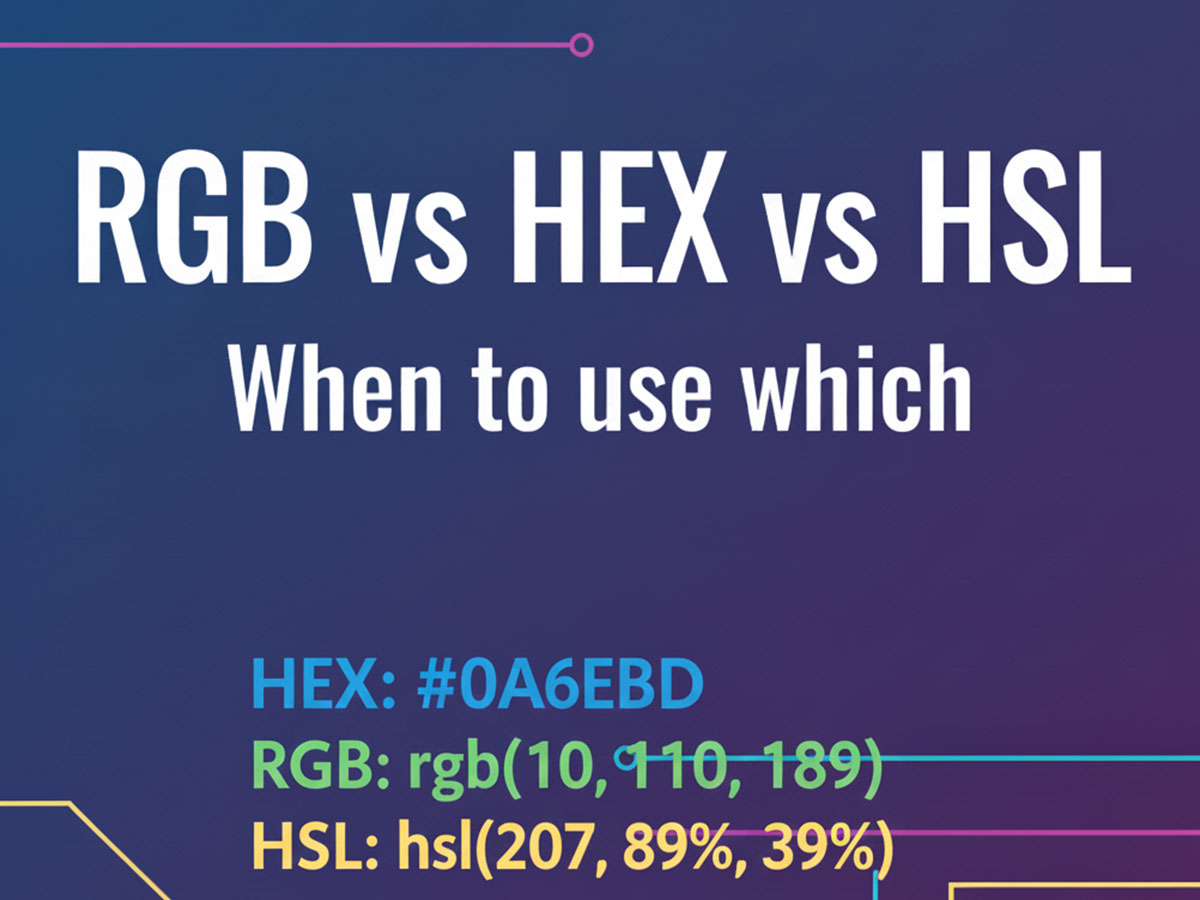
RGB vs HEX vs HSL: When to Use Which in Web Design
If you work with websites or digital design, you’ve likely seen multiple color formats used for the same color. Sometimes it’s written as #2563EB, sometimes as rgb(37, 99, 235), and other times as hsl(221, 83%, 53%).
All three formats — RGB, HEX, and HSL — represent color, but they are used for different purposes. Understanding when to use each one makes your design workflow cleaner, more consistent, and more accessible.
This guide explains how RGB, HEX, and HSL work, how they differ, and when each format is the right choice in real-world web design.
Understanding Digital Color Models
All screen-based colors are built using light, not paint. That’s why web colors rely on models based on red, green, and blue.
RGB, HEX, and HSL are simply different ways of describing the same colors, optimized for different tasks such as coding, design adjustment, or readability.
What Is RGB Color Format?
RGB stands for Red, Green, Blue.
It defines color by specifying how much of each color channel is used.
RGB Format
rgb(37, 99, 235)0(no intensity)255(full intensity)
Where RGB Is Commonly Used
RGB is widely used in:
CSS animations
JavaScript-driven UI changes
Canvas and WebGL
Dynamic opacity (using
rgba)
Example:
background-color: rgba(37, 99, 235, 0.8);
Pros of RGB
Easy to animate
Works well with opacity (
rgba)Common in JavaScript logic
Cons of RGB
Hard to visualize mentally
Not ideal for defining brand colors
Less readable in large design systems
What Is HEX Color Format?
HEX is a hexadecimal representation of RGB values.
It is the most common color format used in CSS.
Example: #2563EB
If you want a deeper explanation of how HEX works — including 3-digit, 6-digit, and 8-digit HEX with transparency — you can read this detailed guide: What Is HEX Color Code? How It Works in Web Design
Where HEX Is Commonly Used
HEX is best for:
CSS stylesheets
Brand color definitions
Design systems
UI components
Example:
  button {
      background-color: #2563EB;
      color: #FFFFFF;
}
Pros of HEX
Clean and compact
Industry standard
Easy to reuse and document
Supports transparency with 8-digit HEX (
#RRGGBBAA)
Cons of HEX
Not intuitive for color adjustment
Harder to tweak lightness or saturation manually
What Is HSL Color Format?
HSL stands for Hue, Saturation, Lightness.
Unlike RGB and HEX, HSL is designed to be human-readable.
Example: hsl(221, 83%, 53%)
How HSL Works
Hue → Color type (0–360°)
Saturation → Intensity (0%–100%)
Lightness → Brightness (0%–100%)
This makes HSL especially useful when you want to adjust colors intentionally, such as making a color lighter, darker, or more muted.
Where HSL Is Commonly Used
HSL is ideal for:
Theme customization
Hover and active states
Light/dark mode adjustments
Design experimentation
Example:
button:hover {
background-color: hsl(221, 83%, 45%);
}
Pros of HSL
Very intuitive
Easy to adjust brightness and saturation
Excellent for UI states and themes
Cons of HSL
Less common in brand guidelines
Not always used in legacy codebases
RGB vs HEX vs HSL: Key Differences
| Feature | RGB | HEX | HSL |
|---|---|---|---|
| Human readability | Low | Medium | High |
| CSS usage | Common | Very common | Common |
| Brand consistency | Weak | Strong | Moderate |
| Easy color tweaking | Hard | Hard | Easy |
| Transparency support | RGBA | 8-digit HEX | HSLA |
When to Use Each Color Format
Use HEX When:
Defining brand or UI colors
Writing CSS stylesheets
Building scalable design systems
Example:
Primary Blue:
#2563EBText Gray:
#1F2937
Use RGB / RGBA When:
Working with animations
Using JavaScript for dynamic styles
Adjusting opacity frequently
Example: rgba(0, 0, 0, 0.5)
Use HSL / HSLA When:
Tweaking lightness or saturation
Designing hover states
Creating theme variations
Example: hsl(221, 83%, 60%)
Converting Between RGB, HEX, and HSL
Since all these formats describe the same color, conversion is often necessary.
For example, this blue color:
HEX:
#2563EBRGB:
rgb(37, 99, 235)HSL:
hsl(221, 83%, 53%)
Manually converting between formats can lead to mistakes.
To convert any color instantly across HEX, RGB, RGBA, HSL, HSLA, CMYK, LAB, OKLAB, OKLCH, and more, you can use this tool: ALL COLOR CODE CONVERTER
This is especially useful when switching between design tools and CSS.
Color Format Choice and Accessibility
No matter which format you use, accessibility depends on contrast, not the format itself.
For example:
Text:
#1F2937Background:
#FFFFFF
This combination offers strong readability.
Before finalizing any color pair, designers should test contrast ratios to ensure text is readable for all users.
You can check and generate accessible color combinations using this tool: COLOR CONTRAST CHECKER & GENERATOR
Good contrast improves usability, inclusivity, and overall user experience
Common Mistakes Designers Make
Mixing Formats Without Rules
Using HEX for some components and RGB for others without a clear reason leads to inconsistency.
Ignoring Accessibility
A visually appealing HSL-adjusted color can still fail contrast guidelines.
Overusing Transparency
Too much opacity variation can reduce clarity, especially for text.
Final Verdict: Which One Should You Use?
There is no single “best” format — each serves a purpose.
HEX → Best for UI, branding, and CSS structure
RGB / RGBA → Best for dynamic behavior and animations
HSL / HSLA → Best for adjusting and experimenting with color
Professional web design often uses all three, applied intentionally.
Frequently Asked Questions (FAQ)
1. What is the main difference between RGB, HEX, and HSL?
RGB, HEX, and HSL all represent the same colors but in different formats. RGB defines colors using red, green, and blue light values, HEX is a compact hexadecimal version of RGB commonly used in CSS, and HSL describes colors using hue, saturation, and lightness, making it easier for humans to adjust colors visually.
2. Which color format is best for web design?
HEX is the most commonly used format in web design because it is clean, consistent, and easy to manage in CSS. However, professional websites often use RGB or HSL as well, depending on whether dynamic styling or color adjustments are required.
3. When should I use RGB instead of HEX?
RGB is best used when working with animations, JavaScript-based styling, or opacity control using rgba(). It is especially useful when colors need to change dynamically based on user interaction.
4. Why do designers prefer HSL for color adjustments?
HSL allows designers to adjust brightness and saturation without changing the base color. This makes it ideal for hover states, dark mode themes, and design experimentation where visual consistency matters.
5. Do RGB, HEX, and HSL affect website performance?
No. All color formats are interpreted the same way by browsers. Performance is not impacted by the color format you choose; the decision is purely about usability, readability, and workflow.
6. Can all color formats support transparency?
Yes. RGB supports transparency using RGBA, HEX supports transparency using 8-digit HEX codes, and HSL supports transparency using HSLA. All three are valid in modern CSS.
7. Does accessibility depend on the color format?
No. Accessibility depends on color contrast, not the format. Whether you use RGB, HEX, or HSL, text and background colors must meet contrast guidelines to ensure readability for all users.
8. Is it okay to mix RGB, HEX, and HSL in one website?
Yes. Many professional websites use a combination of formats. The key is consistency and clear usage rules, such as using HEX for base colors and HSL for state variations.
Final Thoughts
Understanding RGB, HEX, and HSL helps you design with purpose instead of guesswork. When you choose the right color format for the right task, your websites become more consistent, accessible, and easier to maintain.
Once you master these formats, color decisions stop being confusing — and start becoming strategic.