
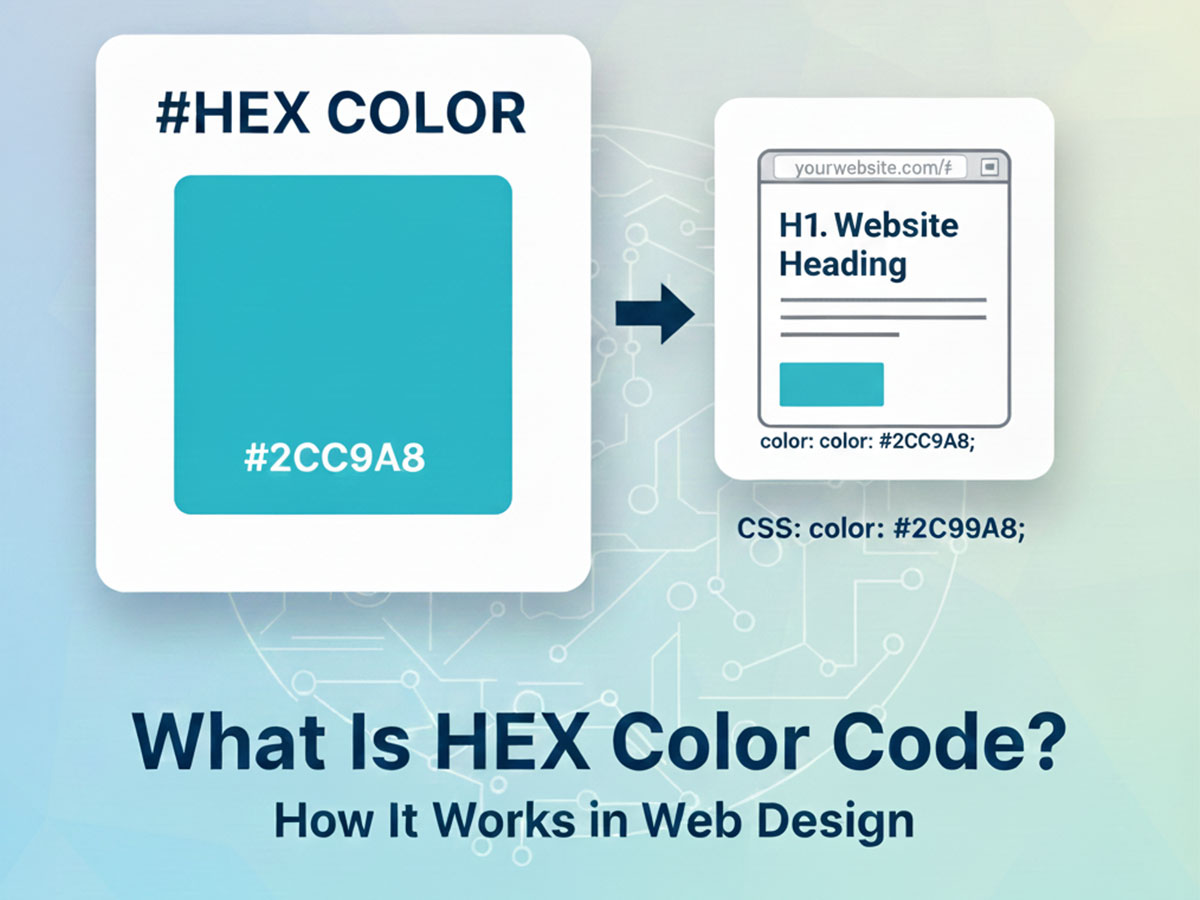
What Is HEX Color Code? How It Works in Web Design
Colors define how a website feels, communicates, and performs. Every background, button, and text color you see on a webpage is controlled by a color code, and one of the most widely used formats is the HEX color code.
If you work with websites, UI design, or digital products, understanding HEX color codes is essential. This guide explains what HEX color codes are, how they work, and how different HEX formats are used in modern web design.
What Is a HEX Color Code?
A HEX color code is a way to represent colors using a combination of numbers and letters, preceded by a # symbol.
Example:#2563EB
HEX color codes are based on the RGB color model, meaning they define how much red, green, and blue light is used to display a color on a screen.
HEX is the most common color format used in CSS and web design.
How HEX Color Codes Work
A standard HEX color code uses six characters:
#RRGGBB
RR → Red
GG → Green
BB → Blue
Each pair ranges from:
00(no intensity)FF(maximum intensity)
Example Breakdown
#2563EB
Red:
25Green:
63Blue:
EB
Because the blue value is high, the color appears as a strong, saturated blue commonly used for buttons and links.
6-Digit HEX Color Codes (Standard HEX)
This is the most widely used HEX format.
Common Examples
White:
#FFFFFFBlack:
#000000Dark Gray (Text):
#1F2937Primary Blue (CTA):
#2563EBSuccess Green:
#22C55EError Red:
#DC2626
Six-digit HEX codes are ideal for:
Backgrounds
Text colors
Buttons
Brand colors
3-Digit Short HEX Codes
Short HEX codes are a compressed version of 6-digit HEX codes.
Format
#RGB
Example
#FFF→#FFFFFF#000→#000000
Short HEX codes only work when both characters in each pair are identical. While valid, most designers avoid them in professional projects for clarity and consistency.
8-Digit HEX Color Codes (HEX With Transparency)
Modern CSS supports 8-digit HEX codes, which include opacity (alpha value).
Format
#RRGGBBAA
RR → Red
GG → Green
BB → Blue
AA → Alpha (transparency)
Understanding the Alpha Channel
The alpha value controls opacity:
00→ Fully transparentFF→ Fully opaque
Examples
Fully opaque blue
#2563EBFF75% opacity blue
#2563EBBF50% opacity blue
#2563EB80Fully transparent blue
#2563EB00
Practical Uses of Transparent HEX Colors
Overlays
.overlay {

  background-color: #00000080;

}
Creates a semi-transparent black overlay for modals or hero sections.
Button Hover States
button:hover {

  background-color: #2563EBCC;

}
Maintains brand color while softening the interaction.
Card Shadows & UI Layers
Transparent HEX values are useful for:
Glassmorphism
Depth layering
Soft UI effects
HEX vs RGB vs RGBA
HEX and RGB represent the same colors differently.
Example (Same Color)
HEX:
#2563EBRGB:
rgb(37, 99, 235)RGBA:
rgba(37, 99, 235, 0.5)
When to Use HEX
CSS color definitions
Design systems
Brand color storage
When to Use RGBA
Animations
Dynamic opacity changes
For static UI colors, HEX (including 8-digit HEX) is often cleaner and easier to maintain.
Convert HEX Colors to Other Formats Easily
While HEX is the most common format used in CSS, designers often need to convert HEX colors into other color formats depending on the task.
For example, the same blue color can be represented as:
HEX:
#2563EBRGB:
rgb(37, 99, 235)RGBA (50% opacity):
rgba(37, 99, 235, 0.5)HSL:
hsl(221, 83%, 53%)
Manually converting between formats can be error-prone. Using a reliable color converter ensures accuracy when working across different tools and workflows.
If you need to convert a HEX color into RGB, RGBA, HSL, CMYK, LAB, OKLAB, or other formats, you can use this color converter tool to instantly translate any color value into multiple formats: ALL COLOR CODE CONVERTER
This is especially useful when switching between design tools, CSS, and print-oriented formats.
How HEX Colors Are Used in CSS
Background Color
body {
  background-color: #F1F5F9;
}
Text Color
p {

  color: #1F2937;

}
Button Styling
button {

    background-color: #2563EB;

    color: #FFFFFF;

}
HEX Color Codes and Accessibility
Accessibility is critical in web design. Poor contrast makes text difficult to read and hurts usability.
Good Contrast Example
Text:
#1F2937Background:
#FFFFFF
Poor Contrast Example
Text:
#9CA3AFBackground:
#F3F4F6
Always test contrast ratios when choosing HEX colors, especially for text and interactive elements.
Check HEX Color Contrast Before Using It
Choosing the right HEX color is not just about appearance — it’s also about readability and accessibility.
Even visually pleasing HEX color combinations can fail accessibility standards if the contrast is too low.
For example:
Text:
#1F2937Background:
#FFFFFF
This combination provides strong contrast and is generally readable.
But a combination like:
Text:
#9CA3AFBackground:
#F3F4F6
may look subtle but can be difficult to read for many users.
To avoid these issues, designers should always test HEX color pairs before using them in real interfaces.
You can check contrast ratios and generate accessible color combinations using this color CONTRAST CHECKER AND GENERATOR
Testing contrast helps improve user experience, reduces bounce rate, and ensures your website works well for all users.
Common Mistakes When Using HEX Colors
Using Pure Black Everywhere
Pure black (#000000) can strain the eyes. Dark gray (#1F2937) is often better for text.
Misplacing the Alpha Channel
Alpha always comes last.
Correct:#2563EB80
Incorrect:#802563EB
Using Too Many Colors
Most websites work best with 2–5 core HEX colors and consistent usage rules.
Why HEX Color Codes Matter in Web Design
Understanding HEX color codes helps you:
Maintain visual consistency
Build scalable design systems
Improve readability and accessibility
Communicate clearly with developers
HEX is not just a color format — it’s a foundation of modern web design.
Frequently Asked Questions (FAQ)
What is a HEX color code used for?
A HEX color code is used to define colors in web design and CSS. It specifies exact red, green, and blue values so browsers can display consistent colors across devices and platforms.
What is the difference between 6-digit and 8-digit HEX codes?
A 6-digit HEX code defines color only, such as #2563EB.
An 8-digit HEX code includes transparency using an alpha channel, for example #2563EB80, where the last two characters control opacity.
What does the alpha value mean in HEX colors?
The alpha value controls transparency.00 means fully transparent, while FF means fully opaque. For example, #00000080 creates a semi-transparent black overlay commonly used in modals.
Is HEX better than RGB for web design?
HEX is often preferred for static UI colors because it is concise and easy to manage in CSS. RGB or RGBA is more useful when working with animations or dynamic opacity changes.
Can HEX colors be used for accessibility-friendly design?
Yes. HEX colors can be tested for contrast to ensure text and background combinations are readable and meet accessibility guidelines. High-contrast HEX pairs improve usability and inclusivity.
Are short HEX codes like #FFF still valid?
Yes, short HEX codes are valid when each color pair repeats, such as #FFF for #FFFFFF. However, full 6-digit HEX codes are recommended for clarity and consistency in professional projects.
Final Thoughts
HEX color codes are the standard language of color on the web. From simple 6-digit codes to transparent 8-digit values, HEX gives designers precise control over how websites look and feel.
Once you understand all HEX formats, choosing, adjusting, and managing website colors becomes simpler, more intentional, and far more professional.