Description
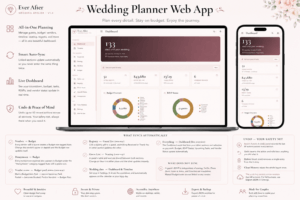
Ever After — Digital Wedding Planner HTML App (Light Themes Edition)
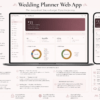
A clean, modern wedding planner built for brides who love bright, airy aesthetics. Four handcrafted light themes. Thirteen fully connected planning sections. One file — no subscriptions, no internet, no limits.
Ever After Light Themes Edition is a fully interactive wedding planner web app that runs directly in your browser. No app to download. No account to create. No spreadsheet to fight with. Just open the file and start planning — beautifully.
This edition is designed for the minimalist bride. Every theme in this collection is bright, fresh, and distraction-free — so your planning stays as elegant as your wedding.
Why Brides Are Choosing a Web App Over Spreadsheets and PDFs
PDF printables run out of space. Google Sheets break when you try to make them pretty. Notion requires an account and internet access.
Ever After is a real interactive wedding planner web app — built like software, delivered as a single HTML file. Open it in any browser. Your data saves automatically. Nothing is uploaded anywhere. No login. No monthly fee. No internet connection required.
This is what a minimalist digital wedding planner actually looks like when it’s done right.
4 Beautiful Light Themes — Fresh, Clean, Modern
Every theme in this edition is designed around one principle: clarity. Your planning space should feel as calm and beautiful as your wedding day itself.
🥂 Champagne & Ivory
Warm ivory tones with champagne gold accents. Timeless and classic — perfect for traditional, romantic, or garden weddings. The go-to theme for brides who want elegance without fuss.
🌸 Blush Atelier
Soft blush pink with delicate rose undertones. Feminine, romantic, and refined — ideal for spring weddings, florals-forward aesthetics, and brides who love a soft palette.
🌿 Sage Botanical
Muted sage green with natural, earthy accents. Fresh and grounded — built for garden weddings, outdoor ceremonies, boho aesthetics, and nature-inspired celebrations.
🫧 Dusty Blue Porcelain
Cool dusty blue with clean, porcelain-white backgrounds. Crisp, airy, and modern — a natural fit for coastal weddings, something-blue traditions, and minimalist brides.
Switch between all four themes instantly from the top bar or Settings. Your data is never affected when you switch.
13 Fully Connected Planning Sections
This modern wedding planning tool covers every detail of your wedding — and every section is linked, so you never enter the same information twice.
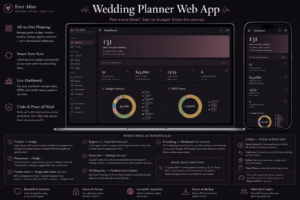
💍 Interactive Dashboard
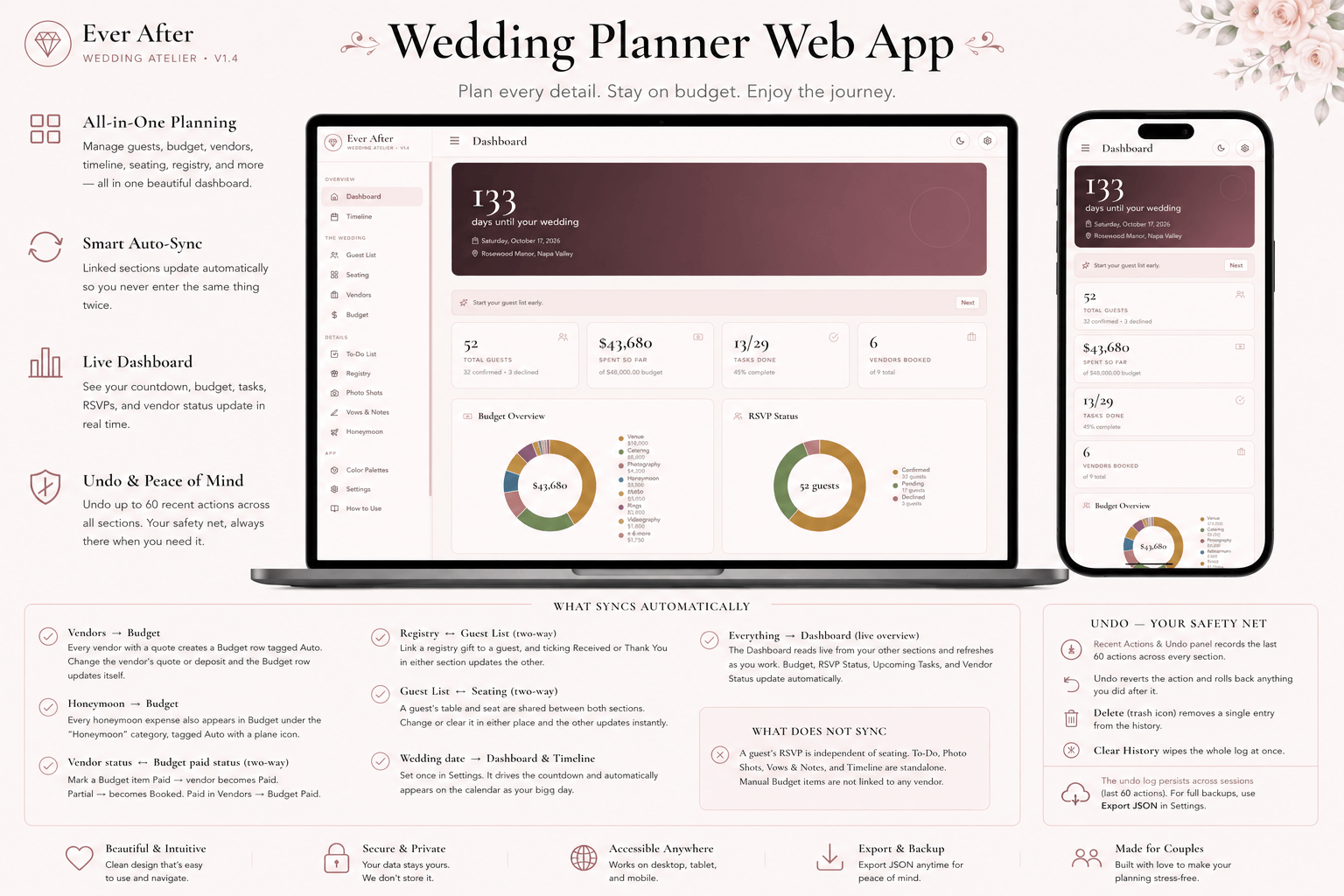
Your live wedding overview. Countdown, budget snapshot, RSVP summary, and task progress — all updating automatically as you plan. Open the app and know exactly where you stand.
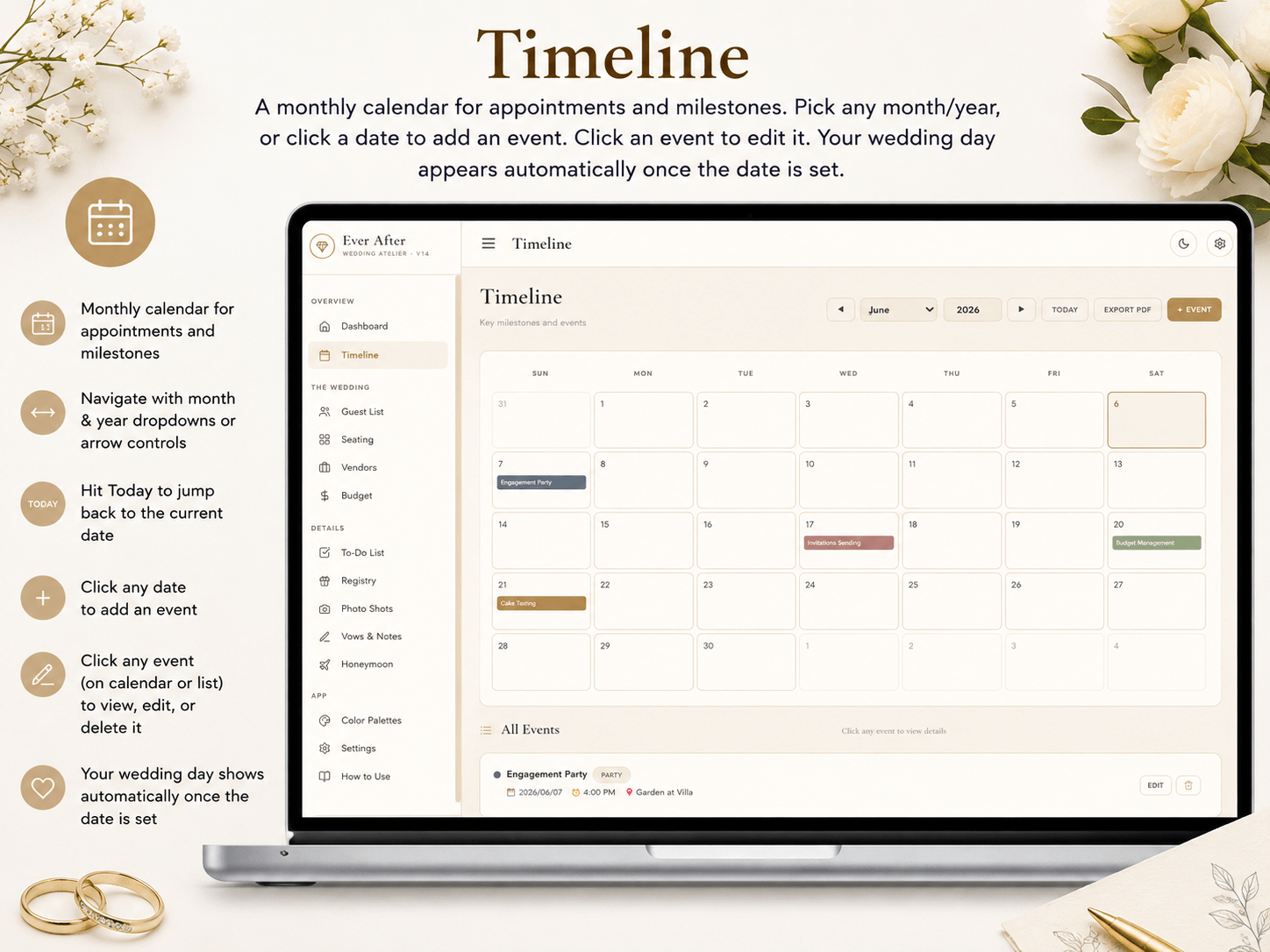
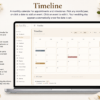
📅 Timeline & Calendar
A visual month-by-month calendar with your wedding date set as the anchor. Add appointments, venue tours, tastings, and custom milestones. The countdown stays in sync automatically.
👥 Guest List
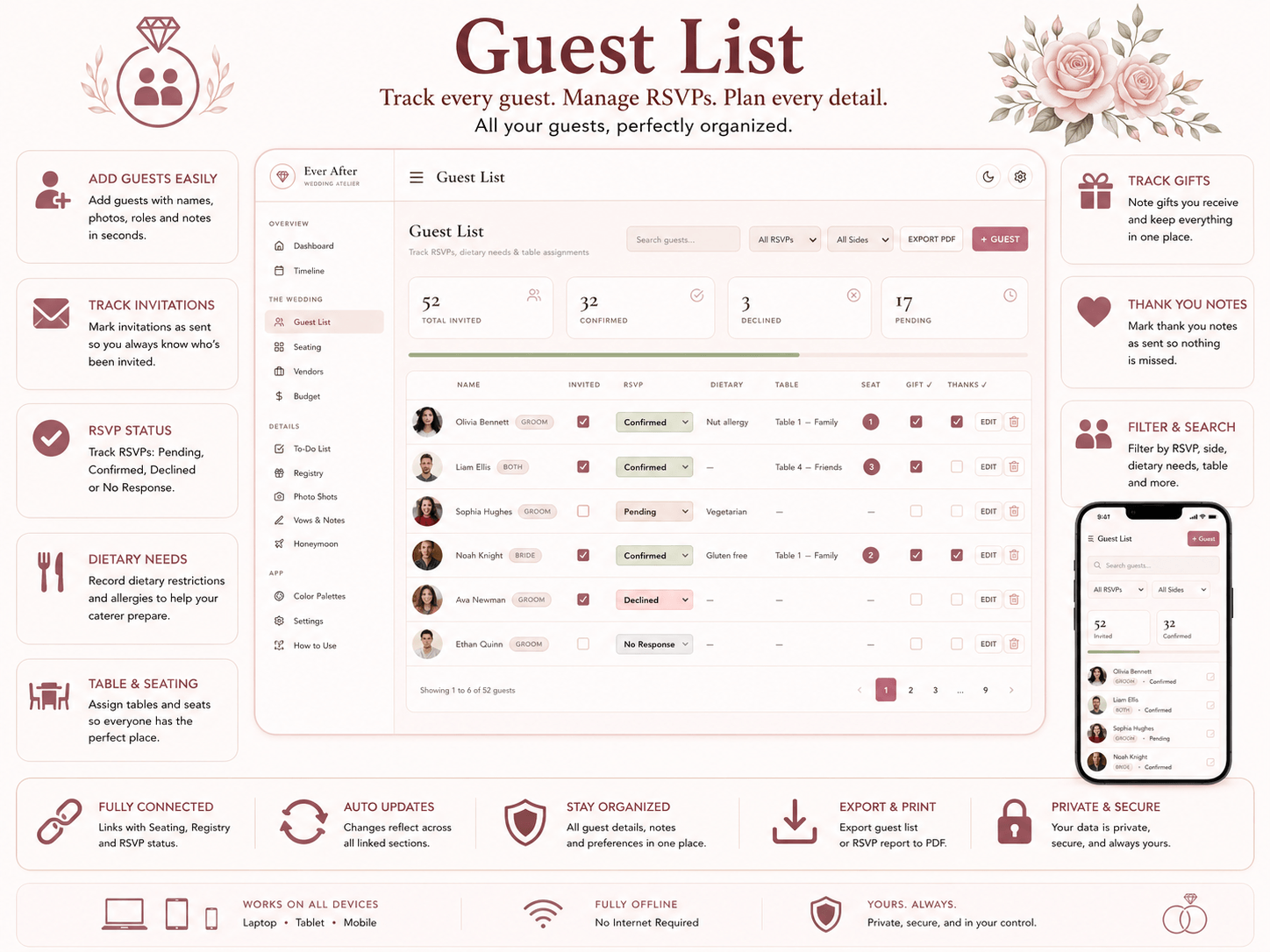
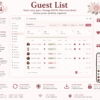
Add guests, track RSVPs and meal choices, filter and search your list, and export a clean PDF. Fully synced with Seating and Registry — change one, both update.
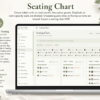
🪑 Seating Chart
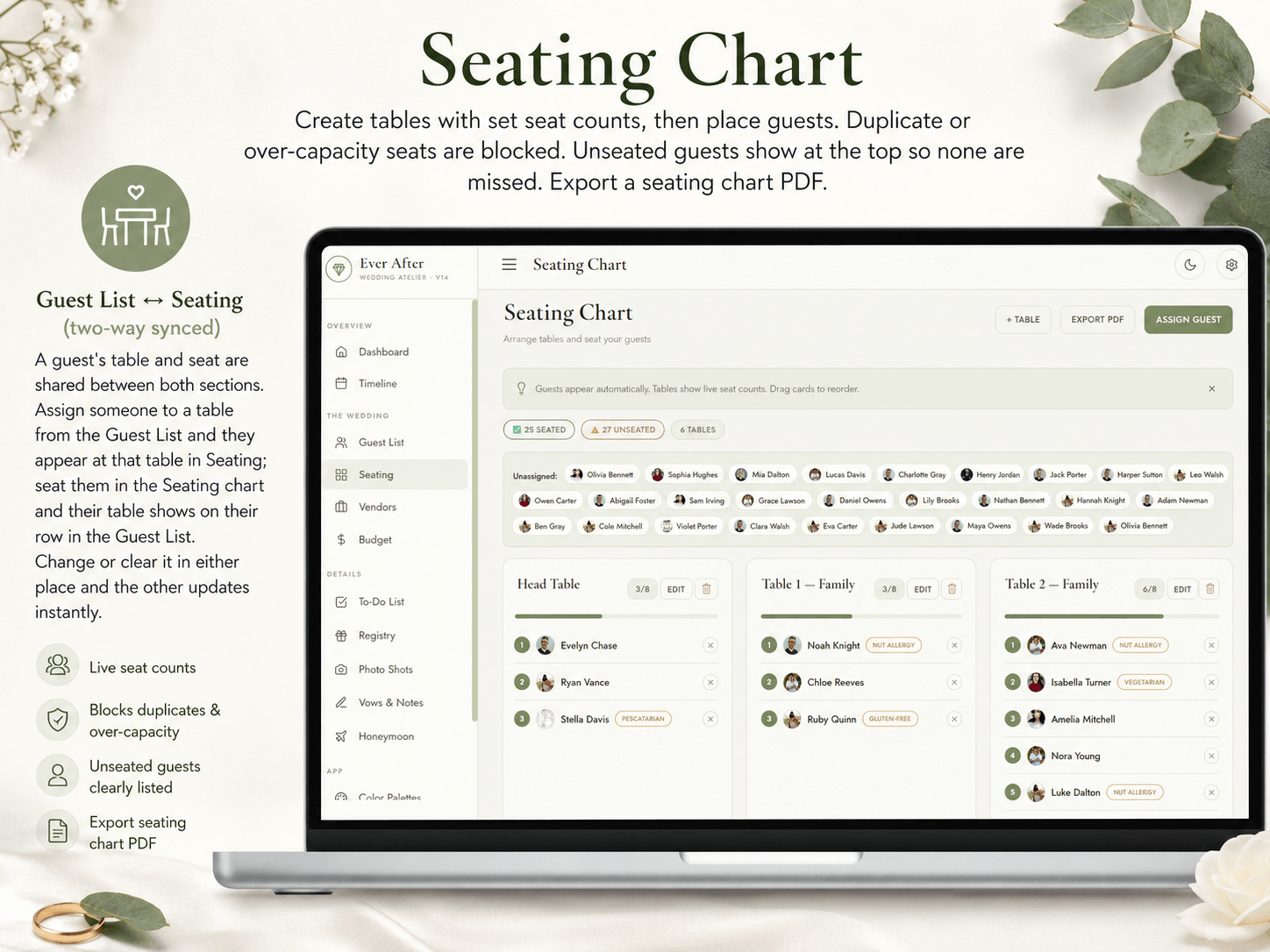
Build tables, assign seat counts, and place guests. Duplicate seats and over-capacity tables are blocked automatically. Unseated guests stay visible at the top so nobody is forgotten.
🛍 Vendors
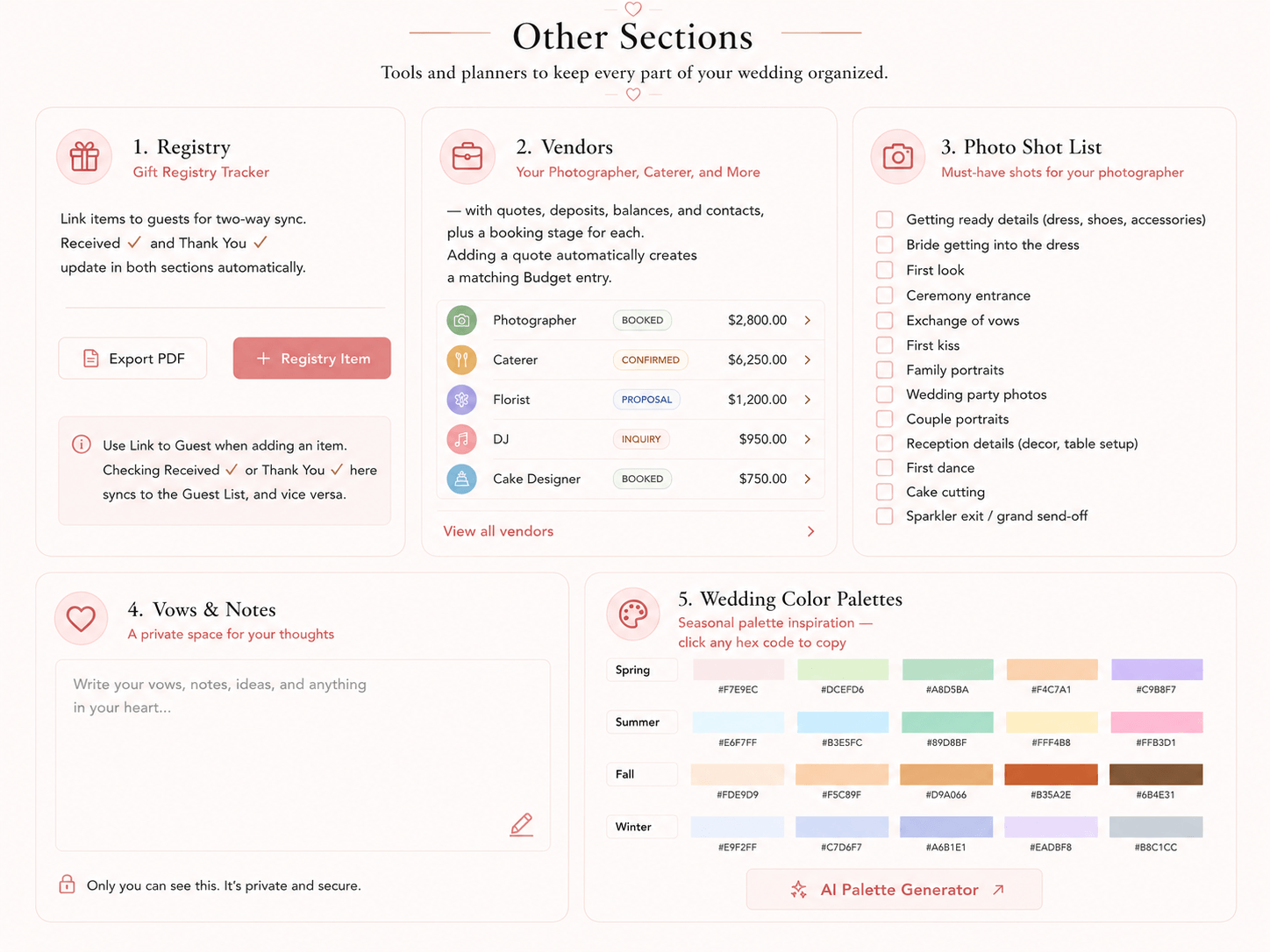
Every vendor in one place — photographer, caterer, florist, hair and makeup, and more. Track quotes, deposits, outstanding balances, and booking stages. Add a quote and a matching Budget entry is created for you automatically.
💰 Budget Tracker
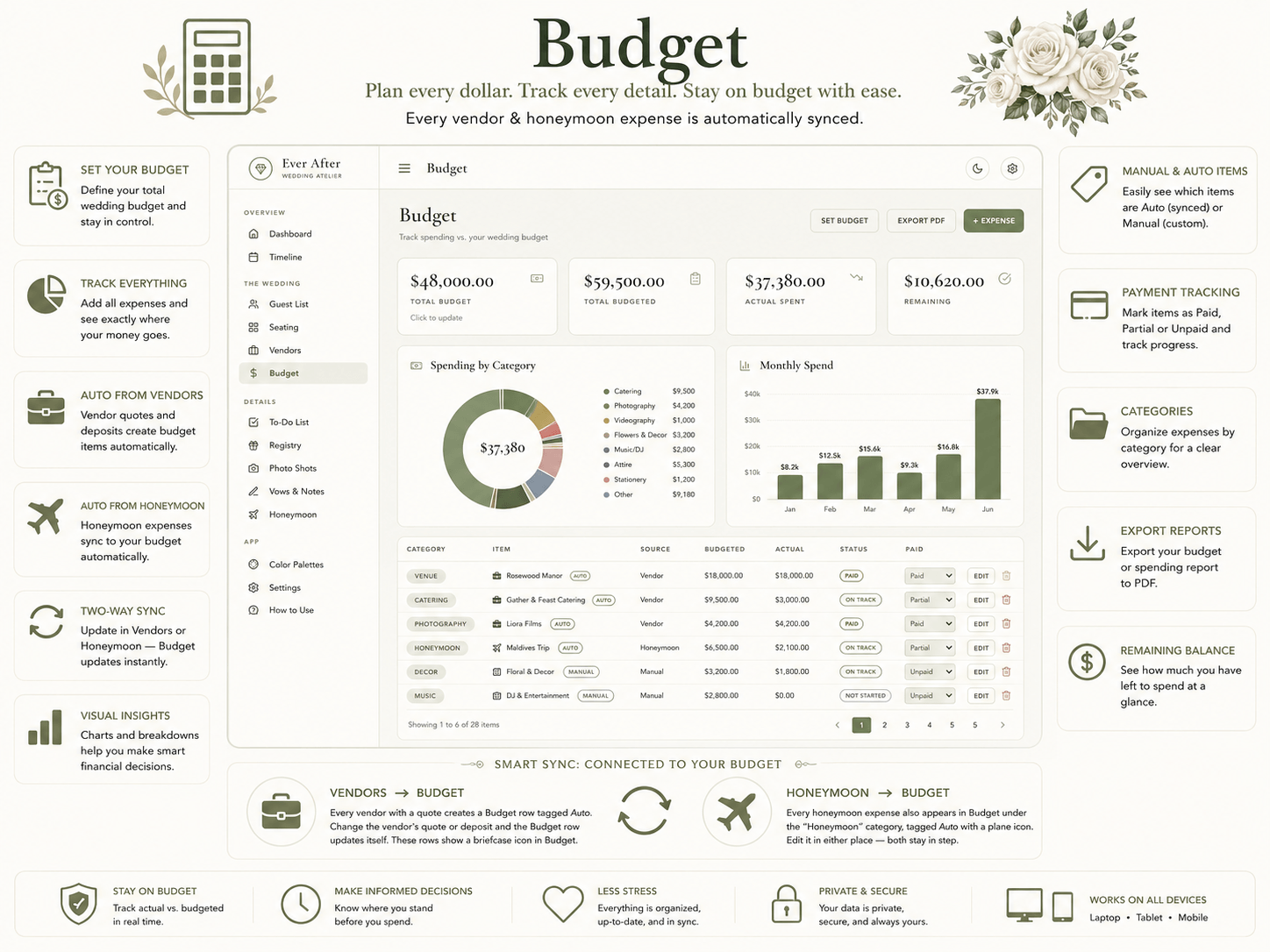
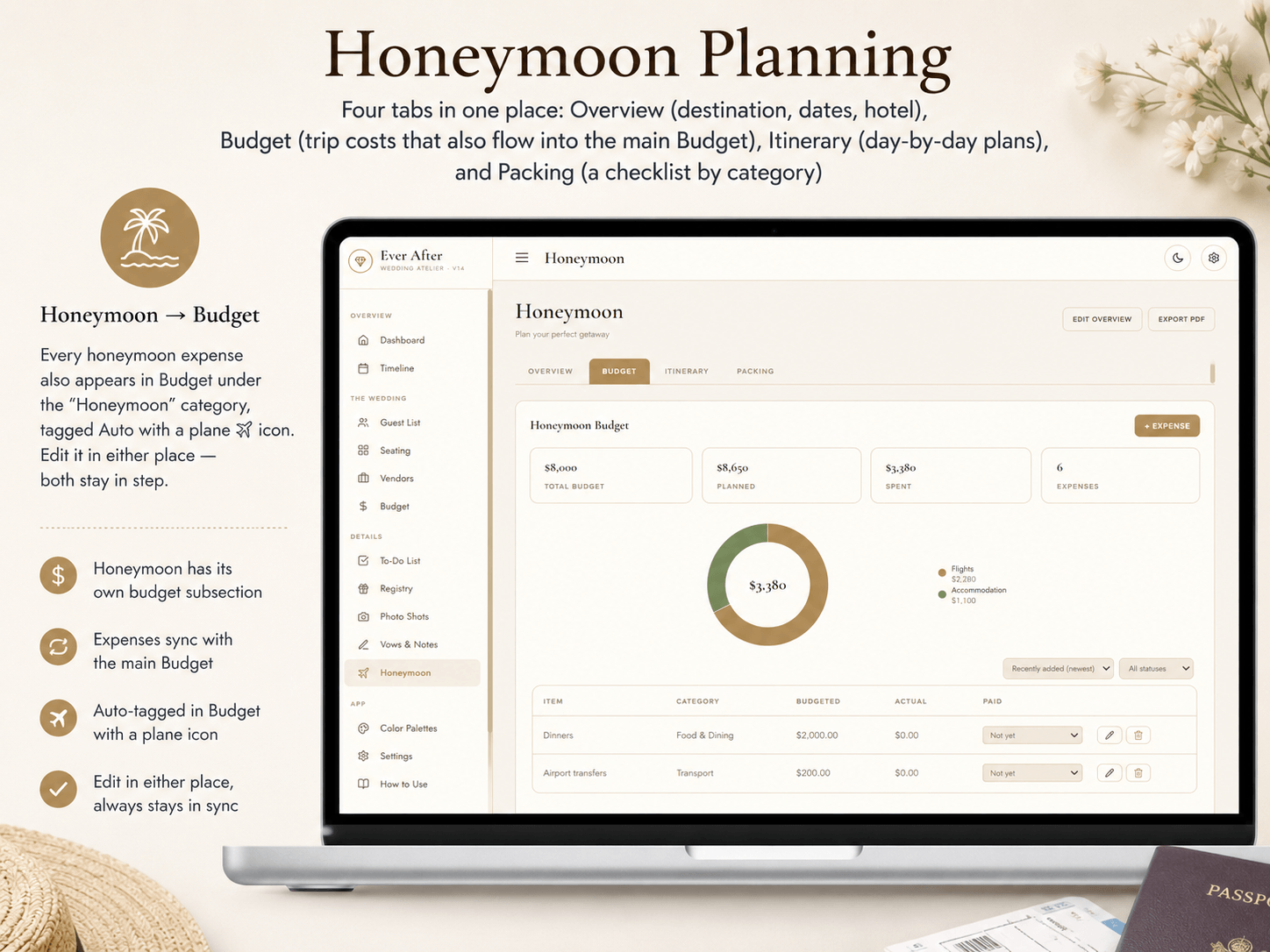
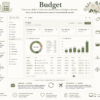
The core of this aesthetic wedding planner download. Set your total budget and track every expense by category and by month. Mark items Paid, Partial, or Not Paid. Vendor costs and honeymoon expenses flow in automatically — no double entry.
✅ To-Do List
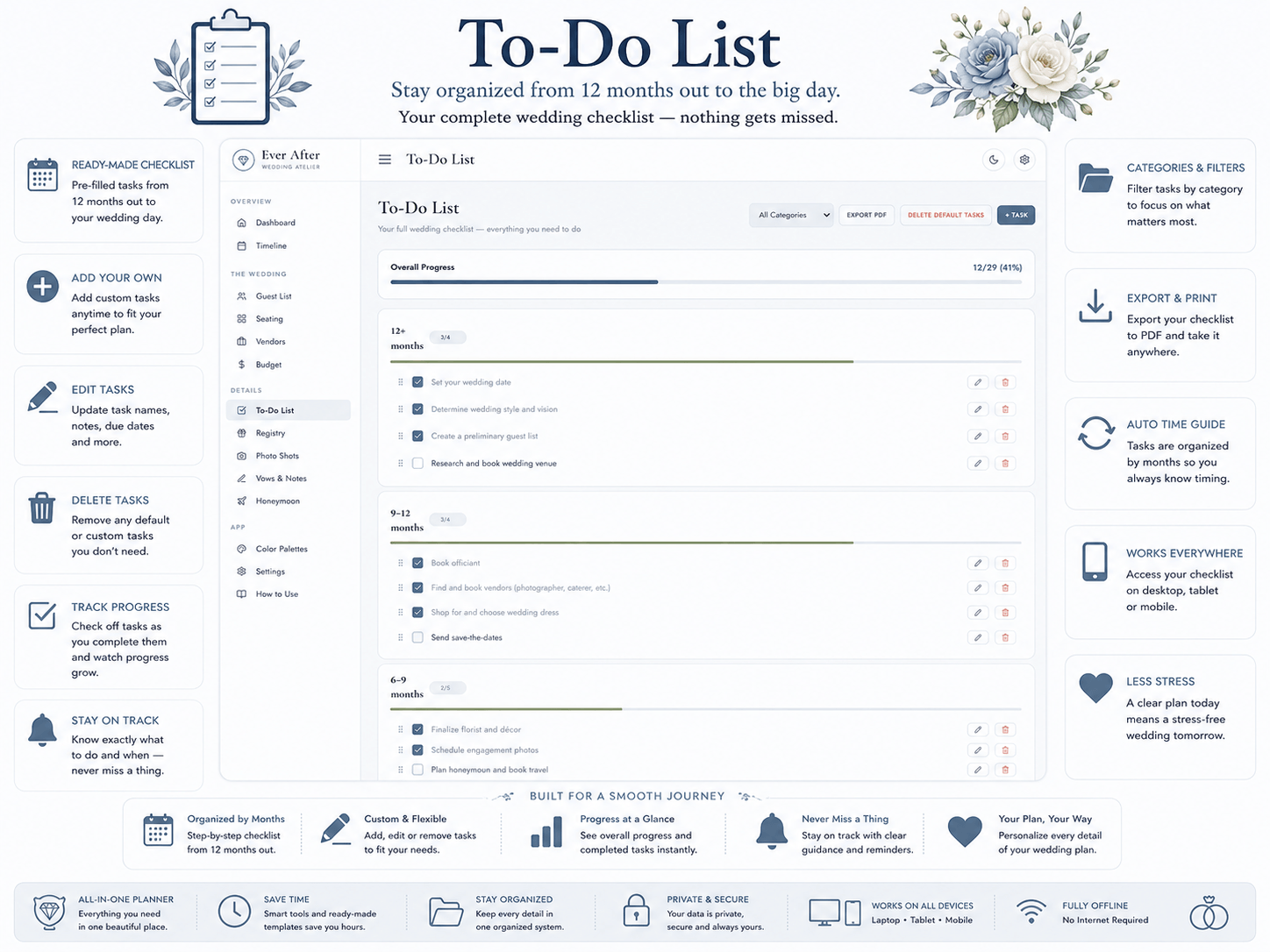
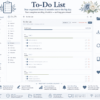
A complete pre-loaded wedding checklist grouped by how far out you are — 12 months, 6 months, 3 months, and closer. Add your own tasks, drag to reorder, set priorities and due dates. Clear all defaults in one click if you want a clean start.
🎁 Registry
Track every gift — what was registered, the store, the price, who it is from, whether it arrived, and whether a thank-you was sent. Link a gift to a guest and thank-you tracking stays in sync across both sections automatically.
📸 Photo Shot List
A structured shot list organized by part of the day — getting ready, ceremony, portraits, reception. Mark each shot as must-have or nice-to-have, note who is in it, and export the finished list to hand directly to your photographer.
📝 Vows & Notes
A private, distraction-free space for your vows, speeches, toasts, and ideas. Create as many notes as you like — everything saves as you type. Export to PDF to practise offline or print.
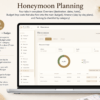
🌴 Honeymoon Planner
Four tabs in one: a destination and hotel overview, a trip budget that flows into your main budget automatically, a day-by-day itinerary, and a packing checklist organized by category.
🎨 Color Palettes
Wedding color inspiration organized by season and style. Click any color code to copy it instantly for your stationery, invitations, flowers, or décor.
⚙️ Settings & Data Tools
Set your wedding details, switch themes, and manage your data. Export a full backup, import it on another device, or reset the app at any time.
Smart Sync — Connected Planning, Zero Double Entry
This clean wedding organizer software is built around a core idea: enter something once, and every connected section updates automatically.
- Vendors → Budget — Every vendor quote creates a Budget row automatically. Update the quote, the budget updates instantly.
- Honeymoon → Budget — Every honeymoon expense appears in your main budget. Edit in either place and both stay in sync.
- Registry ↔ Guest List — Link a gift to a guest and thank-you tracking stays synced across both sections.
- Paid Status — Mark a budget item Paid and the linked vendor status updates automatically.
- Wedding Date → Everywhere — Set once in Settings. Drives the countdown, calendar, and timeline automatically.
Works on Every Device
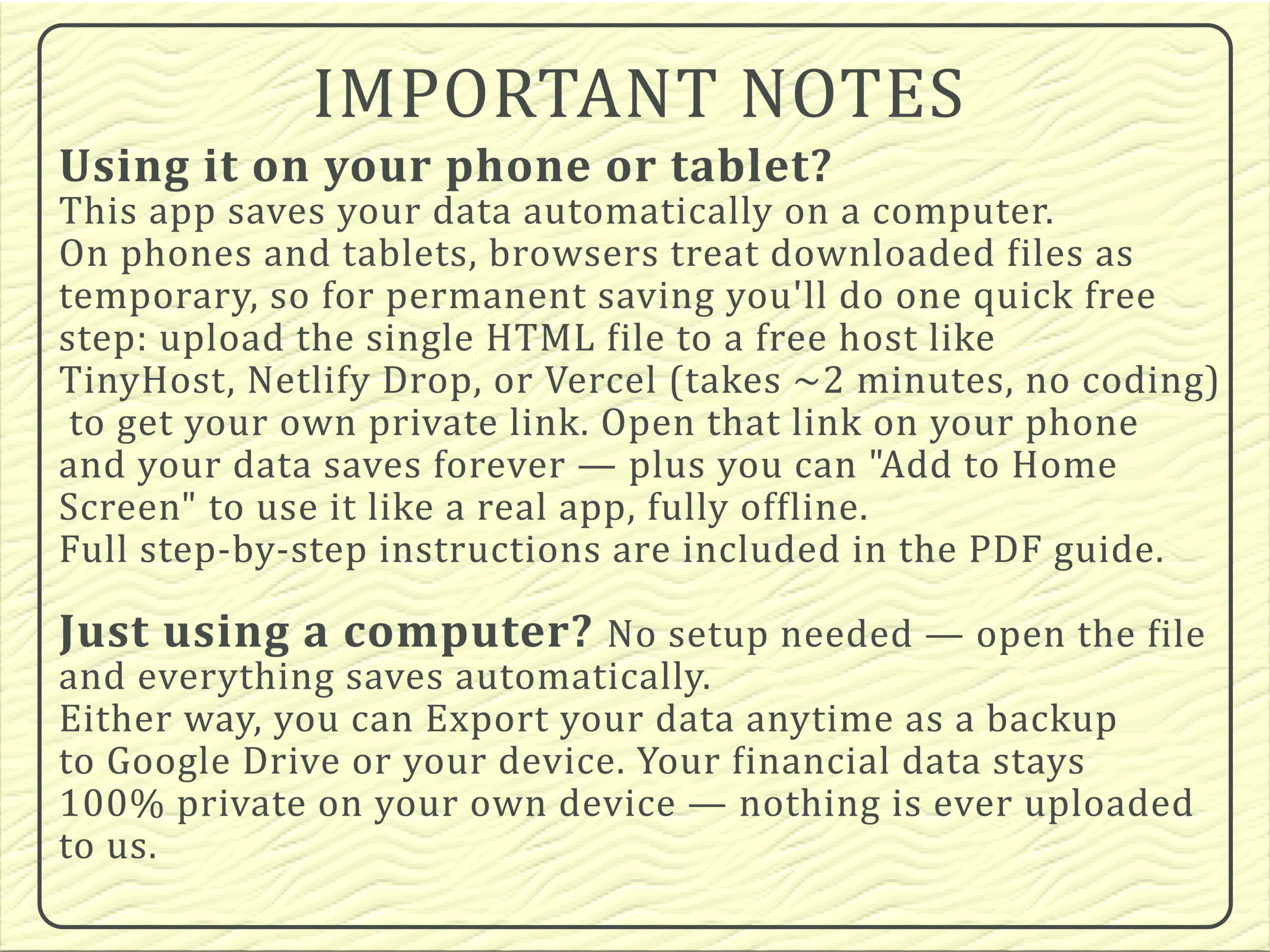
On a computer: Open the file and everything saves automatically. No setup needed.
On a phone or tablet: Upload the HTML file once to a free host like Netlify Drop or TinyHost — takes two minutes, no coding needed. You get your own private link, data saves permanently, and you can add it to your home screen to use it like a real app, fully offline.
Full step-by-step instructions are included inside the app and in the PDF guide.
Your Data Is Completely Private
Nothing is ever uploaded to our servers. No account required. No cloud sync. Your guest list, your budget, your vows — all stored locally on your device, always under your control.
What’s in the Download
- 1 self-contained HTML file — open in any browser, no installation
- 4 light themes included: Champagne & Ivory, Blush Atelier, Sage Botanical, Dusty Blue Porcelain
- PDF how-to guide with mobile setup instructions
- Personal use license included — commercial license available at checkout
- Lifetime access — no subscription, no expiry
60-Action Undo History
The Dashboard keeps a running log of your last 60 actions across every section — adds, edits, deletes, and status changes. Undo any of them, even after closing and reopening the app.
Frequently Asked Questions
Does this need an internet connection?
No. Once downloaded, it works completely offline on any device.
Do I need to install anything?
No installation required. Open the HTML file in any browser — Chrome, Safari, Edge, Firefox.
Is my data private?
Yes. Nothing is uploaded anywhere. All data is stored locally on your device.
Can I use it on my phone?
Yes. A quick free two-minute setup is needed for permanent saving on mobile. Full instructions are included.
Does it work on Mac and Windows?
Yes — any computer with a modern browser.
Can I switch between the four light themes?
Yes — switch instantly from the top bar or Settings. Your data is never affected.
Is this a one-time purchase?
Yes. No subscriptions, no renewal fees, no hidden costs. Pay once, use forever.
What is the difference between this and the Complete Edition?
This edition includes the 4 light themes only. The Complete Edition includes all 8 themes — 4 light and 4 dark — and is the best value if you want the full collection.
Is a commercial license available?
Yes — a commercial license is available as an option at checkout, covering client use, business use, and paid coaching or course programs.
Reviews
There are no reviews yet.