


Description
BudgetFlow Pro — Dark Mode Budget Planner HTML File | Sleek Offline Finance Dashboard (Dark Midnight Theme)
A complete personal finance tracker single file — built for people who live in dark mode. Download once, open in any browser, own it forever. No subscription. No cloud. No one sees your data.
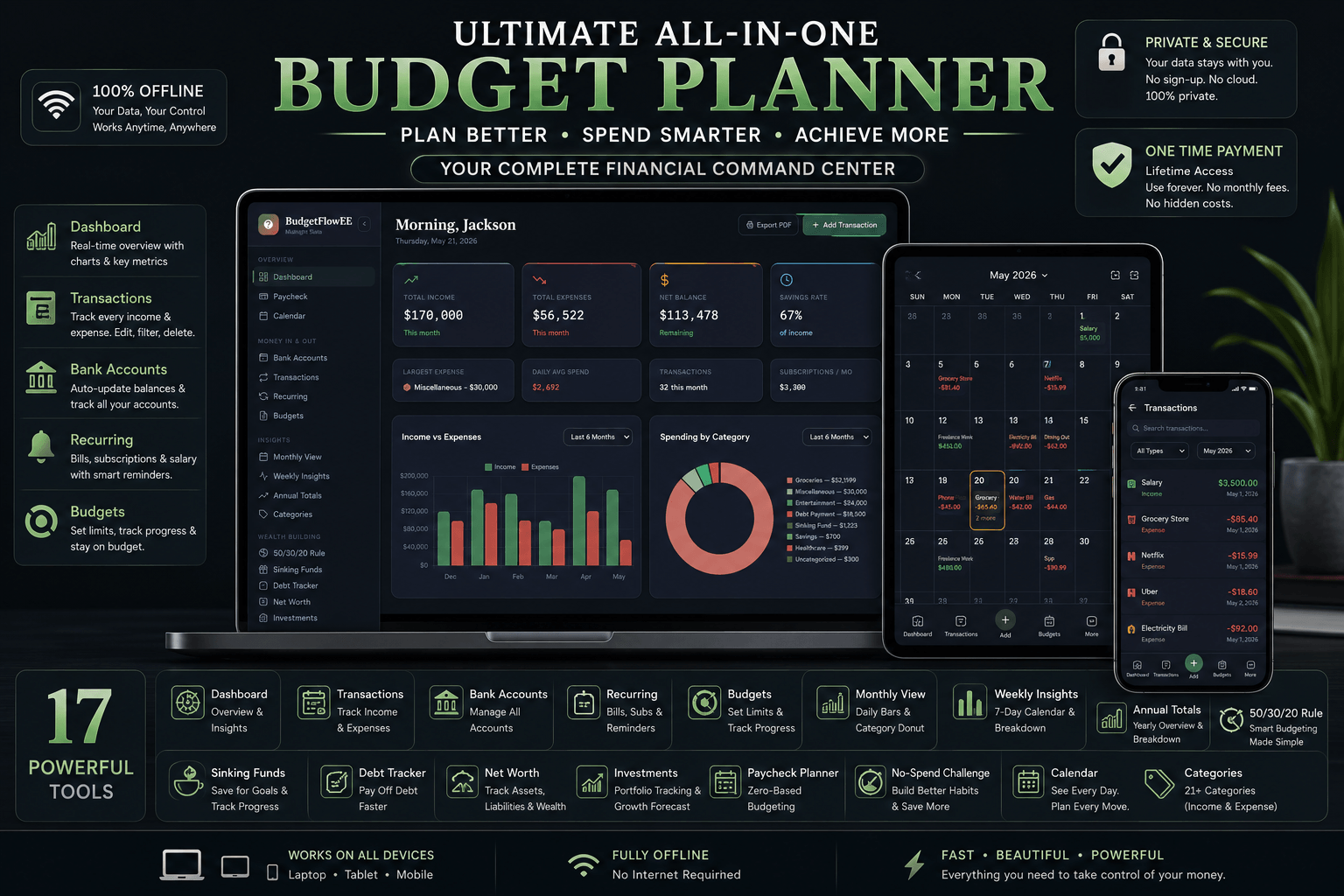
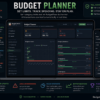
BudgetFlow Pro (Dark Midnight) is a fully-featured offline budget planner HTML file wrapped in a sleek, modern dark interface. Every chart, every dashboard, every number — rendered in a deep midnight palette that’s easy on your eyes whether you’re reviewing finances at night or just prefer dark mode for everything.
No app store. No monthly fee. No server storing your bank details. If you’ve been paying YNAB or Mint just to see your own financial data on a screen, this is your permanent offline budget tracker with no subscription and no compromise.
Works on Windows, Mac, iPhone, iPad, and Android — completely offline from the moment you download it.
Why Dark Mode Changes How You Manage Money
This isn’t just a cosmetic choice. People who use dark mode tend to use their devices longer into the evening — which is exactly when most budgeting actually happens. A harsh white finance dashboard at 10pm creates eye strain and cuts sessions short.
BudgetFlow Pro Dark Midnight is designed for focused, extended financial sessions — reviewing last month’s spending, planning next month’s budget, tracking debt payoff progress — without the screen fatigue that kills momentum.
Everything else about BudgetFlow Pro remains identical to other themes. Same 20+ modules. Same automation. Same offline privacy. Just built for dark mode users who refuse to compromise on aesthetics.
Why This Offline Budget Tracker Beats Every Subscription App
Subscription budget apps rent you access to your own financial data. Cancel and your history vanishes. BudgetFlow Pro is a budget planner one time purchase — pay once and the file is yours permanently.
- ✅ One-time purchase — no renewals, no expiry
- ✅ Fully offline — zero internet needed after download
- ✅ No account, no login, no email required
- ✅ Passkey protected — only you can access your data
- ✅ JSON export anytime — your data, fully portable
- ✅ Works on every modern browser and device
- ✅ Dark mode interface — optimized for low-light use
This is the budget planner no cloud no subscription solution that dark mode users specifically have been looking for.
Everything Inside This Personal Finance Tracker Single File
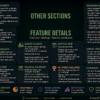
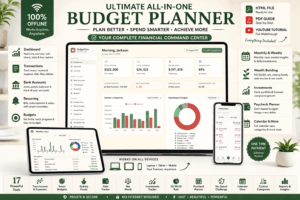
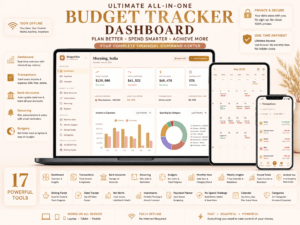
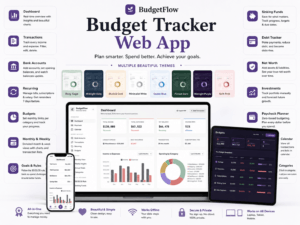
Twenty interconnected modules. All automated. All inside one self-contained dark mode HTML file.
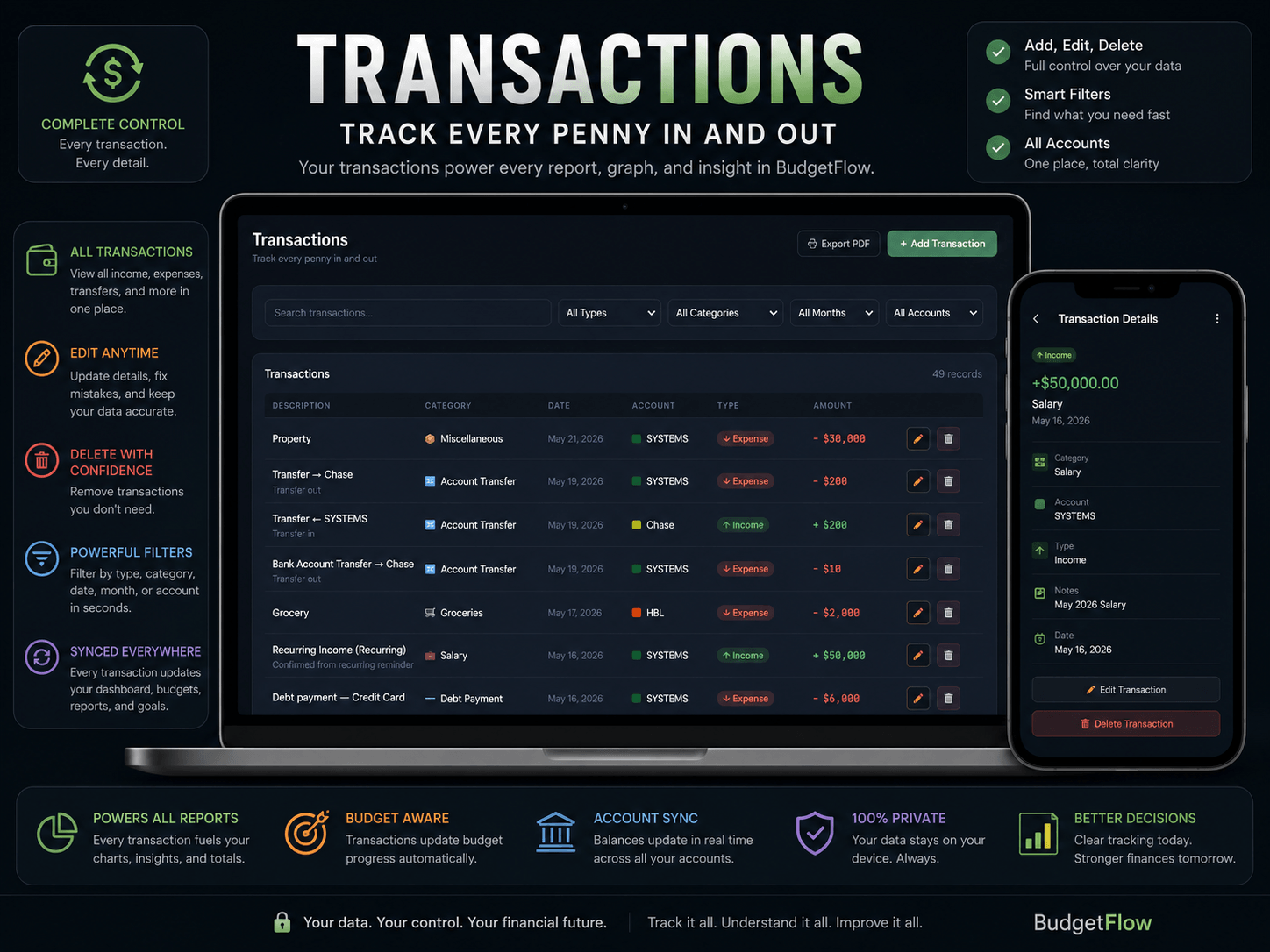
💰 Transactions & Bank Accounts
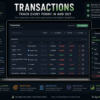
Log every income and expense with full filtering by month, category, account, or type. Track multiple checking, savings, credit card, and cash accounts — balances update automatically against the dark dashboard as you log. Export any transaction history to PDF.
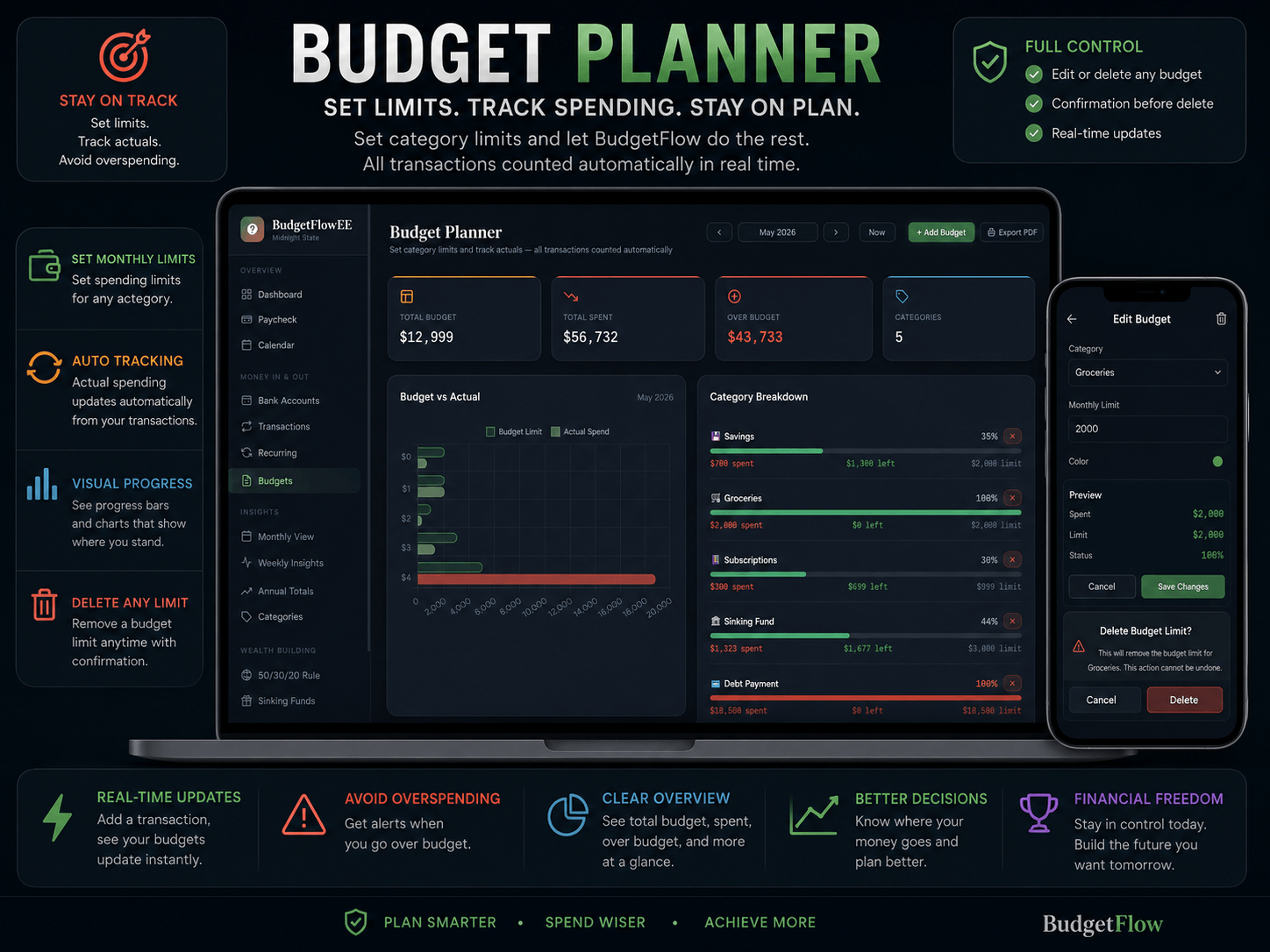
📊 Budget Planner & Monthly View
Set monthly spending limits by category. Watch actual vs. budget update in real-time bar charts rendered in the midnight color palette. Browse 6 months of budget history in a single table. Dive into any month with daily spending charts and full transaction breakdowns.
🔁 Recurring Transactions
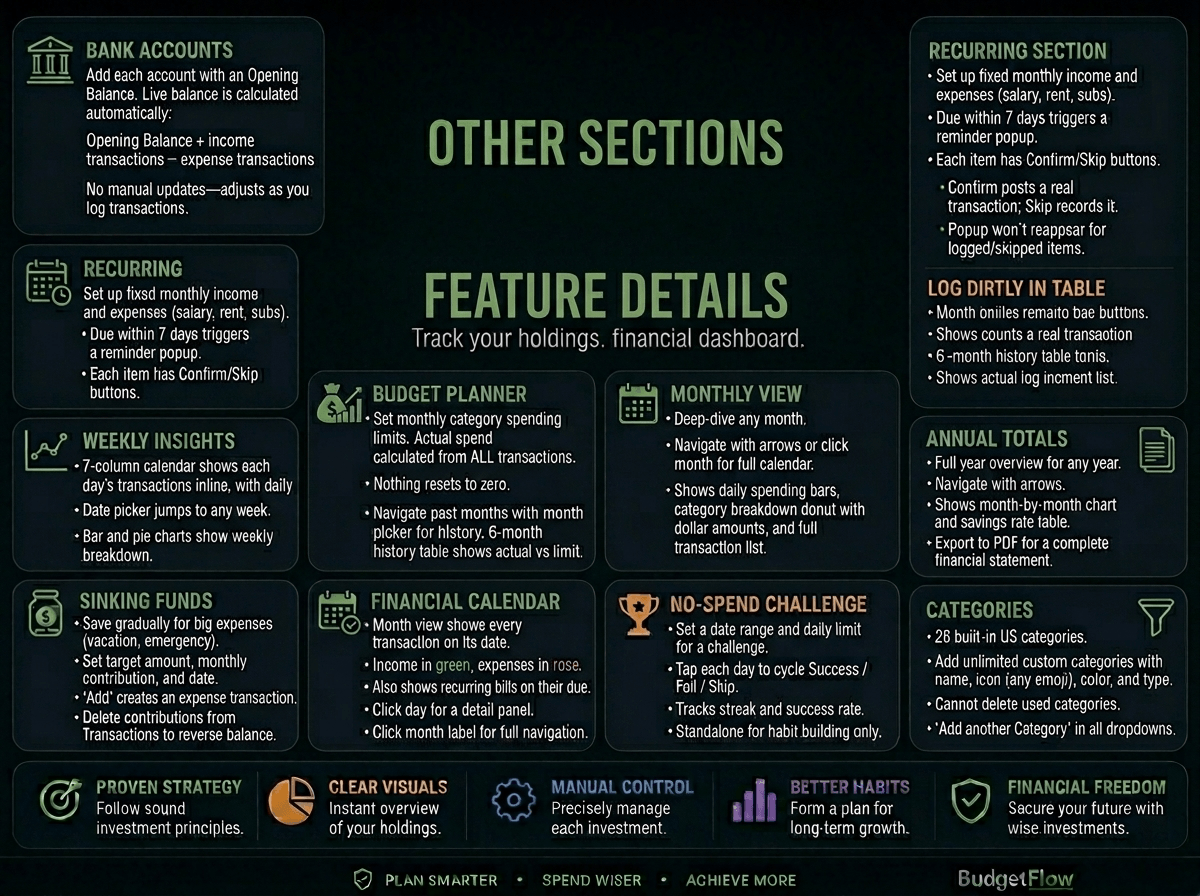
Set up salary, rent, Netflix, Spotify, gym memberships, and every regular bill. Get reminded 7 days before each due date. Confirm in one tap — posts as a real transaction automatically. Your dark mode recurring bills calendar stays updated without any manual work.
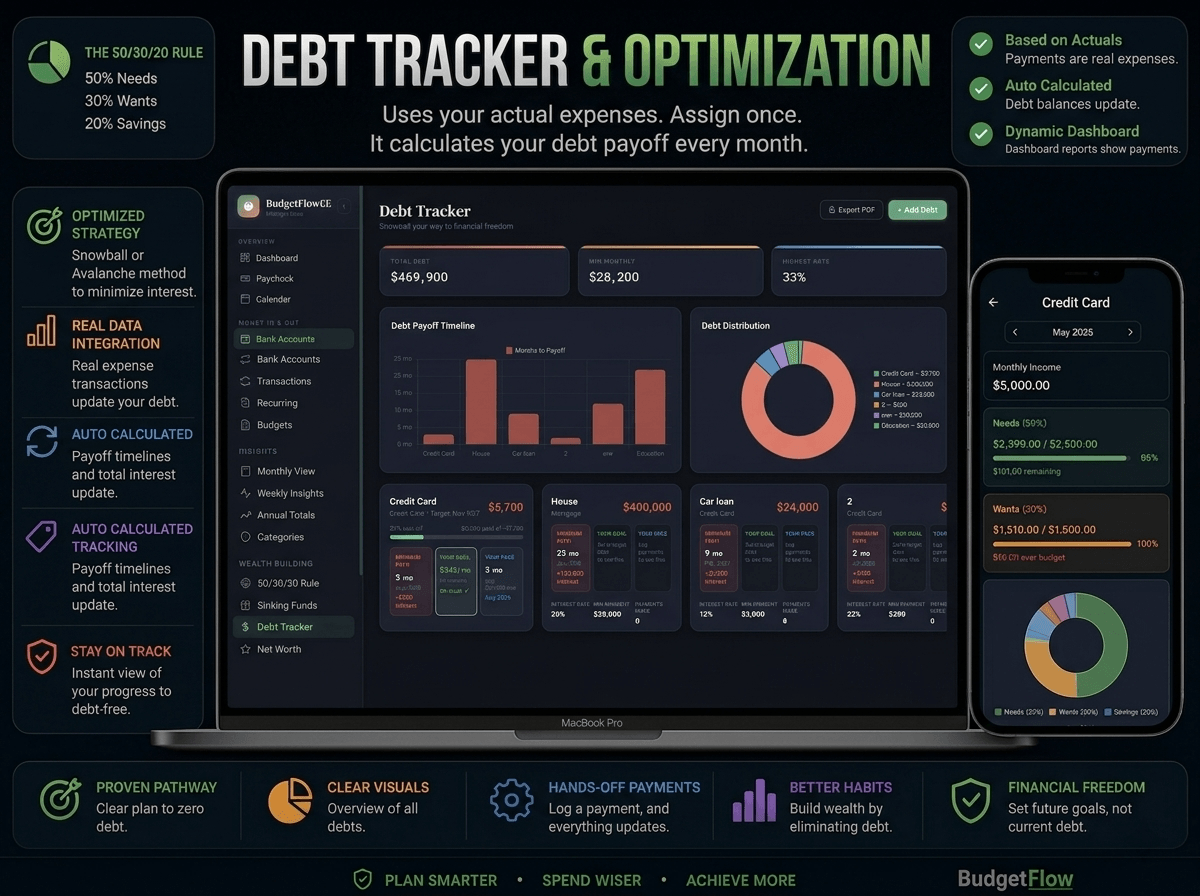
💳 Debt Tracker Finance Planner
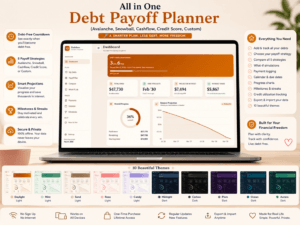
Track every debt with current balance, interest rate, and minimum payment. Auto-calculates complete payoff timeline and total interest using snowball or avalanche method. Payments auto-log as transactions and reverse correctly if deleted. Full dark mode debt report exportable to PDF.
🪣 Sinking Funds
Save gradually for vacations, emergency funds, car repairs, and home renovations. Set a target amount, monthly contribution, and target date. A visual progress bar in the midnight theme shows exactly how many months remain.
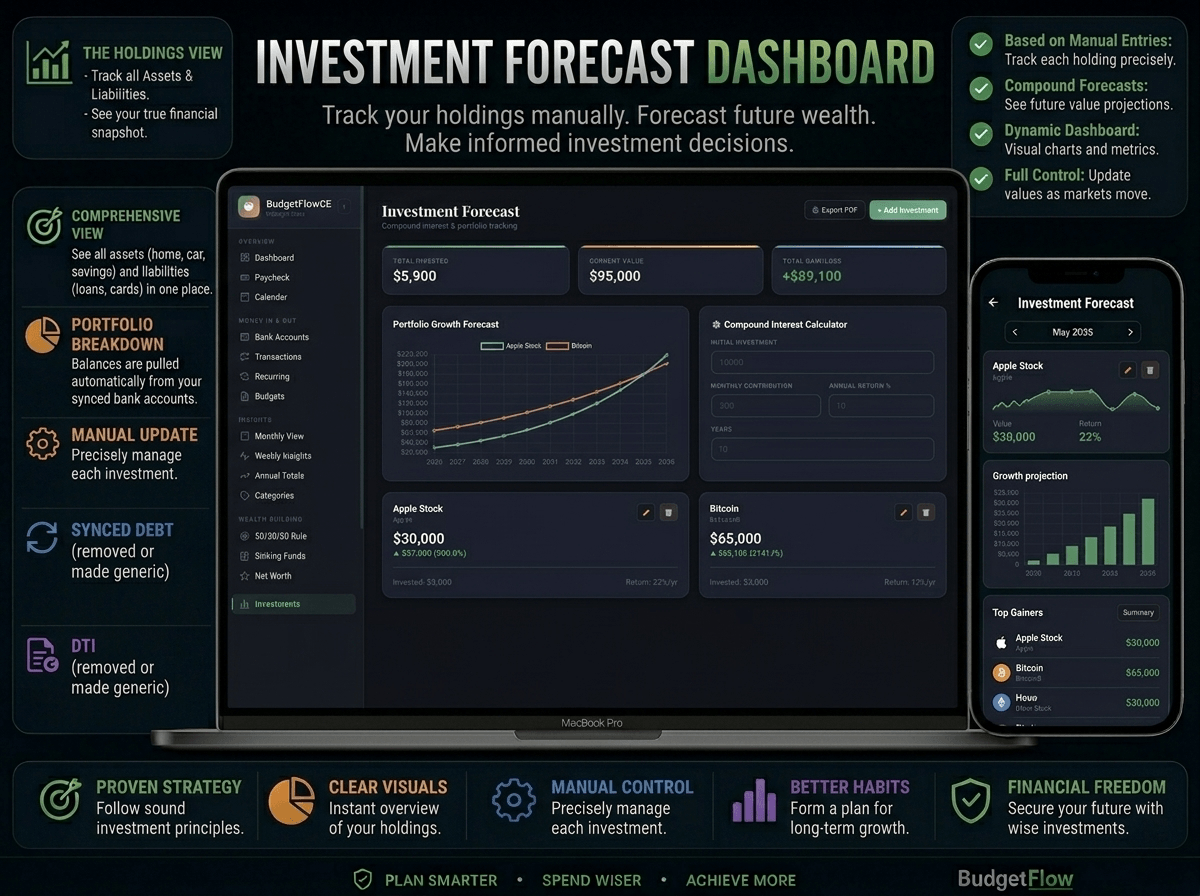
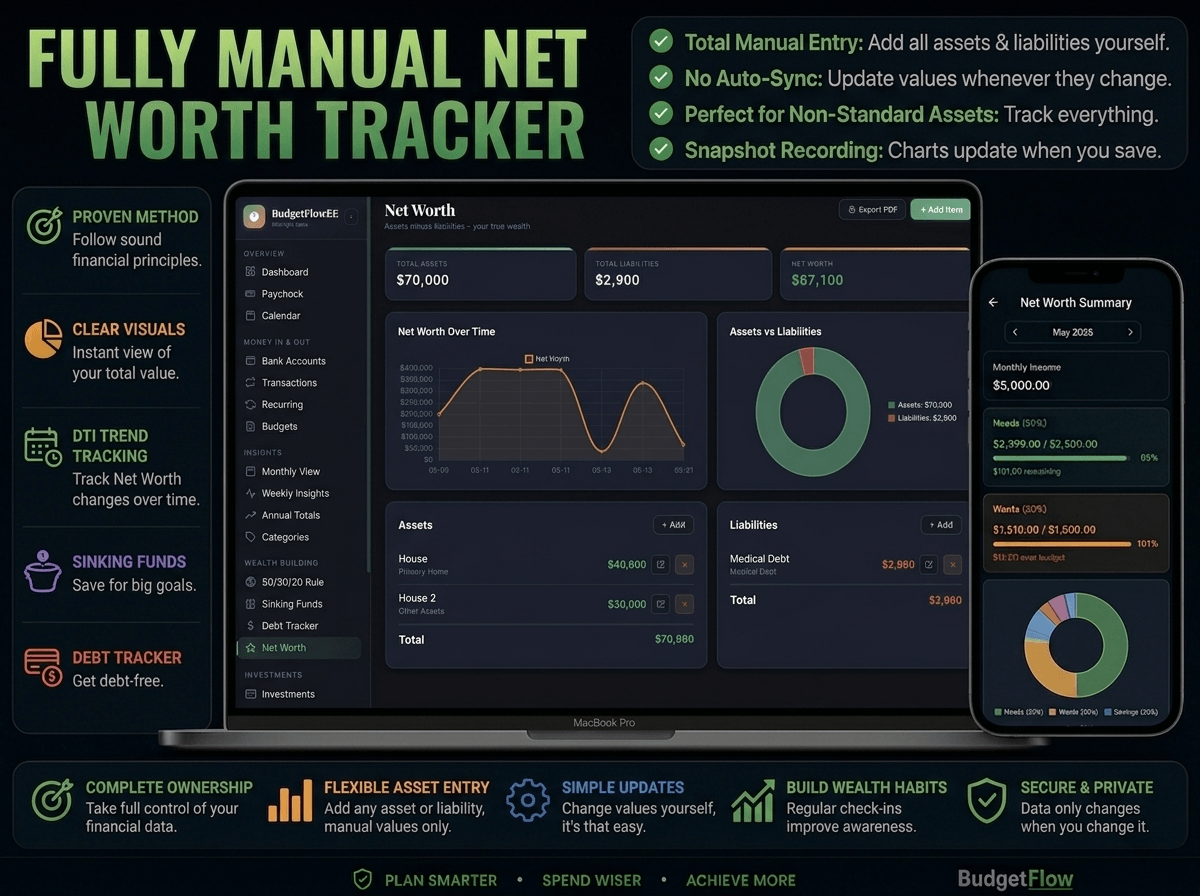
📈 Investment Portfolio & Net Worth Tracker
Track stocks, ETFs, 401(k), Roth IRA, crypto, and gold — all displayed in a clean dark mode investment dashboard. Built-in compound interest calculator projects your wealth over any time horizon. Net worth charts your asset and liability growth over time.
🗓️ Financial Calendar & Weekly Insights
Every transaction and recurring bill appears on its exact date in a full dark mode calendar. Click any day for an instant detail panel. Weekly view gives you a 7-column layout with daily transactions, bar charts, and pie charts — all in the midnight palette.
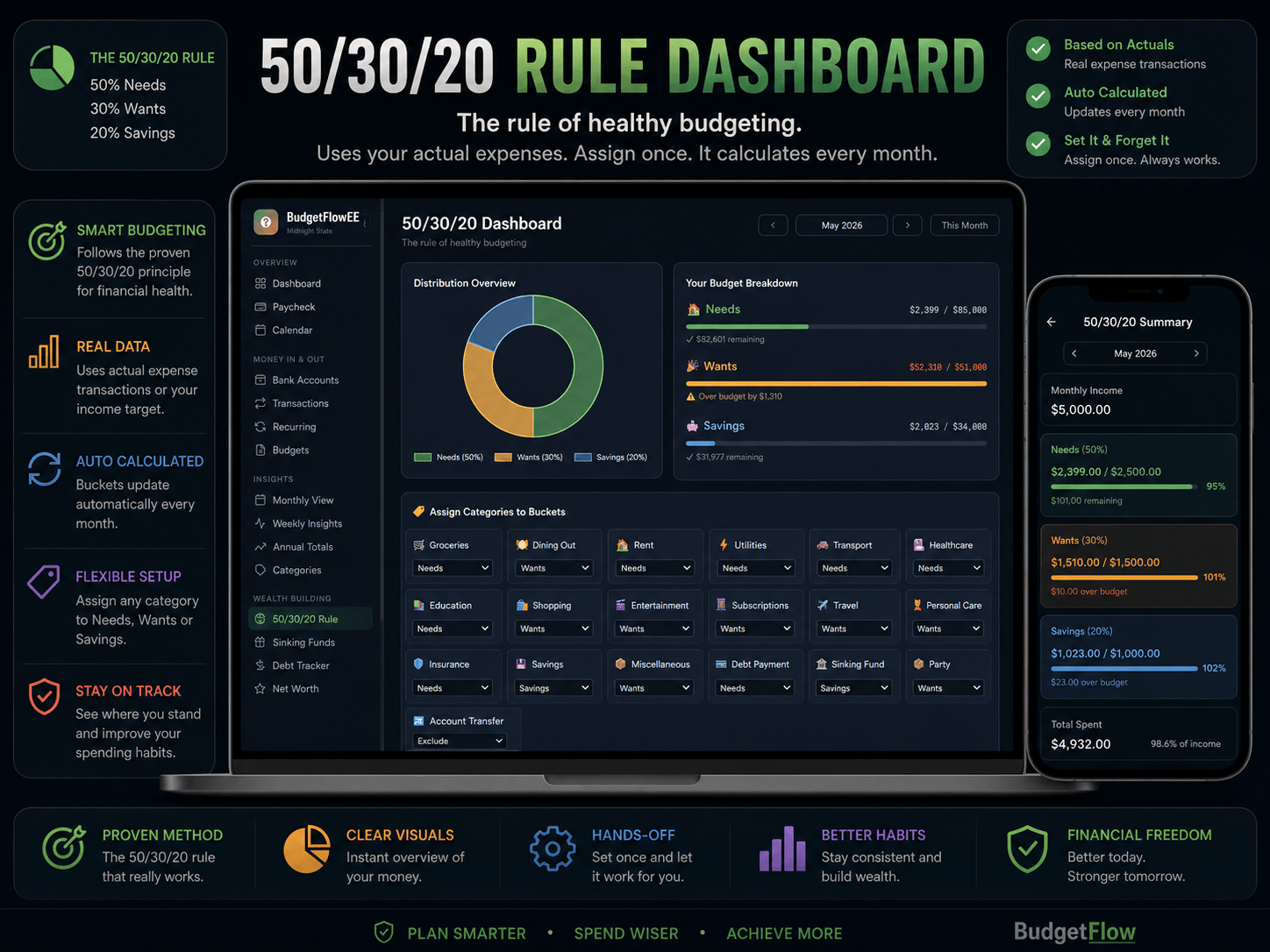
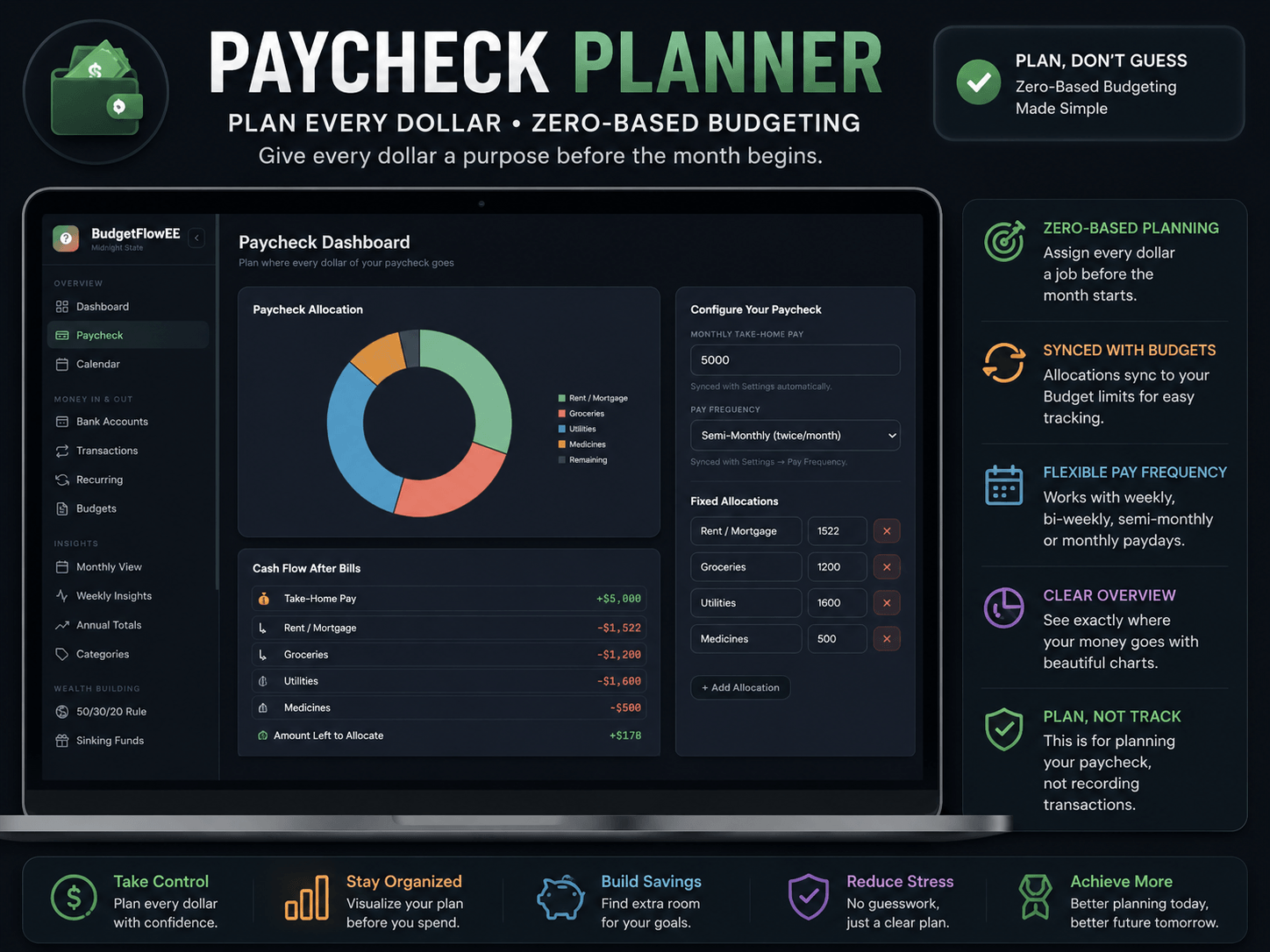
📅 Paycheck Planner & 50/30/20 Dashboard
Zero-based budgeting assigns every dollar of your paycheck before you spend it. Supports monthly, bi-weekly, weekly, and semi-monthly pay frequencies. The 50/30/20 dashboard auto-calculates Needs, Wants, and Savings every month — browse any past month instantly.
📆 Annual Totals & Main Dashboard
Full year overview for any past or future year — month-by-month charts and savings rate table. The main dark mode finance dashboard shows income vs. expenses, spending by category donut chart filterable by 1, 3, 6, or 12 months, budget utilization, recent transactions, and a monthly wealth-building activity summary.
🏆 No-Spend Challenge
Run 7-day, 30-day, or custom no-spend challenges. Mark each day as Success, Fail, or Skip. Track your streak and success rate — all displayed cleanly against the dark midnight interface.
🌍 137 World Currencies
USD, GBP, EUR, PKR, AED, CAD, AUD, INR, SAR, and 127 more. Switch from the sidebar and every amount across every module updates instantly.
🖤 About the Dark Midnight Theme
The Dark Midnight palette uses deep charcoal backgrounds, sharp contrast typography, and carefully chosen accent colors that make financial data immediately readable without eye strain. Charts pop. Numbers breathe. The interface feels like a professional trading dashboard — not a pastel budgeting app.
IMPORTANT NOTES
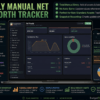
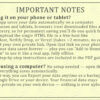
📱 Using it on your phone or tablet? This app saves your data automatically on a computer. On phones and tablets, browsers treat downloaded files as temporary, so for permanent saving you’ll do one quick free step: upload the single HTML file to a free host like TinyHost, Netlify Drop, or Vercel (takes ~2 minutes, no coding) to get your own private link. Open that link on your phone and your data saves forever — plus you can “Add to Home Screen” to use it like a real app, fully offline. Full step-by-step instructions are included in the PDF guide and inside the app itself.
💻 Just using a computer? No setup needed — open the file and everything saves automatically.
Either way, you can Export your data anytime as a backup to Google Drive or your device. Your financial data stays 100% private on your own device — nothing is ever uploaded to us.
BudgetFlow Pro is also available in:
- ✨ Blush Gold — warm and elegant with gold accents
- 🌿 Rosy Sage — calm dusty rose and sage green for a clean focused workspace
- 🌿🖤✨⬜🌊 🌲 💜 🌷
All Themes Combined — every theme in one purchase
Each theme is a fully independent HTML file with identical features. Export your data as JSON and import it into any other theme — your complete financial history transfers perfectly.
How to Use This Dark Mode Budget Planner HTML File
Step 1 — Purchase and Download Complete your purchase and receive an instant download link. You get the Dark Midnight HTML file, a PDF instruction guide, and a video tutorial.
Step 2 — Open in Your Browser Drag the HTML file into Chrome, Safari, Firefox, or Edge — or simply double-click it. No installation, no account, no internet required.
Step 3 — Enable Your Device’s Dark Mode (Optional) BudgetFlow Pro Dark Midnight has its own built-in dark interface — your device’s dark mode setting doesn’t affect it. It looks identical and stunning regardless.
Step 4 — Set Up Your Profile Go to Settings and enter your currency, pay frequency, and monthly income. This syncs automatically with your Paycheck Planner and 50/30/20 dashboard.
Step 5 — Add Accounts and Debts Add bank accounts, credit cards, and debts with starting balances. This sets your net worth baseline inside the dark mode dashboard.
Step 6 — Log Transactions or Set Up Recurring Bills Start logging income and expenses, or set up recurring transactions for everything that repeats — salary, rent, subscriptions, loan payments.
Step 7 — Back Up Your Data Settings → Export → save your JSON backup. Import it on any device or into any other BudgetFlow Pro theme anytime.
What You Receive
- ✅ 1 × Self-contained HTML file (Dark Midnight Theme)
- ✅ PDF instruction guide with full feature walkthrough
- ✅ Video tutorial
- ✅ Lifetime access — works forever, no updates required
- ✅ Instant digital download after purchase
System Requirements
Any modern browser — Chrome, Safari, Firefox, or Edge. Windows, Mac, iPhone, iPad, or Android. No installation. No account. No internet after download.
Frequently Asked Questions
Q: Is this actually dark mode or does it depend on my device settings? BudgetFlow Pro Dark Midnight has its own built-in dark interface — it looks identical on every device regardless of your system’s dark mode setting. No configuration needed.
Q: Is my financial data private and secure? Everything is stored in your browser’s local storage on your own device. Nothing is ever sent to any server. The app is passkey-protected so only you can access it.
Q: Does this offline budget tracker work on iPhone and Android? Yes. Open the HTML file in Safari on iPhone or Chrome on Android. Every feature including the dark mode interface works fully on mobile browsers.
Q: Is this a one-time purchase with no subscription? Yes — own it permanently with no recurring fees, no account renewals, and no expiry date.
Q: Can I switch to a different theme later and keep my data? Yes. Export your data as JSON from Settings and import it into any other BudgetFlow Pro theme. Your complete transaction history, debts, and accounts carry over instantly.
Q: Does it work without internet? Completely offline after the initial download. Every single feature works without any internet connection.
Q: What currencies are supported? 137 world currencies including USD, GBP, EUR, PKR, AED, CAD, AUD, INR, and SAR. Switch from the sidebar and all amounts update instantly everywhere.
Q: Can I use it on multiple devices? Yes. Copy the HTML file to any device, open in a browser, and use JSON export/import to move your data between devices.
Reviews
There are no reviews yet.