






Description
BudgetFlowEE Pro — Offline Budget Planner Web App | No Subscription, No Cloud (Rosy Sage Theme)
The only personal finance tracker single file you’ll ever need. Download once, open in any browser, use forever — no account, no subscription, no cloud, no monthly fees.
BudgetFlow Pro (Rosy Sage) is a complete budget planner HTML file that runs entirely in your browser. No app store. No server. No one can see your data — ever. If you’re tired of paying YNAB $15/month or trusting Mint with your bank details, this is your permanent offline budget tracker with no subscription and no compromises.
Open it on Windows, Mac, iPhone, iPad, or Android. It works offline the moment you download it. Everything — your income, debts, spending, investments — stays on your device, protected by a passkey only you control.
Why This Offline Budget Tracker Beats Every Subscription App
Most budget tracker apps rent you access to your own financial data. Cancel your subscription and your history disappears. BudgetFlow Pro works the opposite way — it’s a budget planner one time purchase that gives you permanent ownership.
- ✅ One-time purchase — pay once, own it forever
- ✅ Fully offline — no internet needed after download
- ✅ No account, no login, no email required
- ✅ Export your data anytime as JSON backup
- ✅ Works on every modern browser and device
This is the budget planner no cloud no subscription alternative that privacy-conscious people have been looking for.
Everything Inside This Personal Finance Tracker Single File
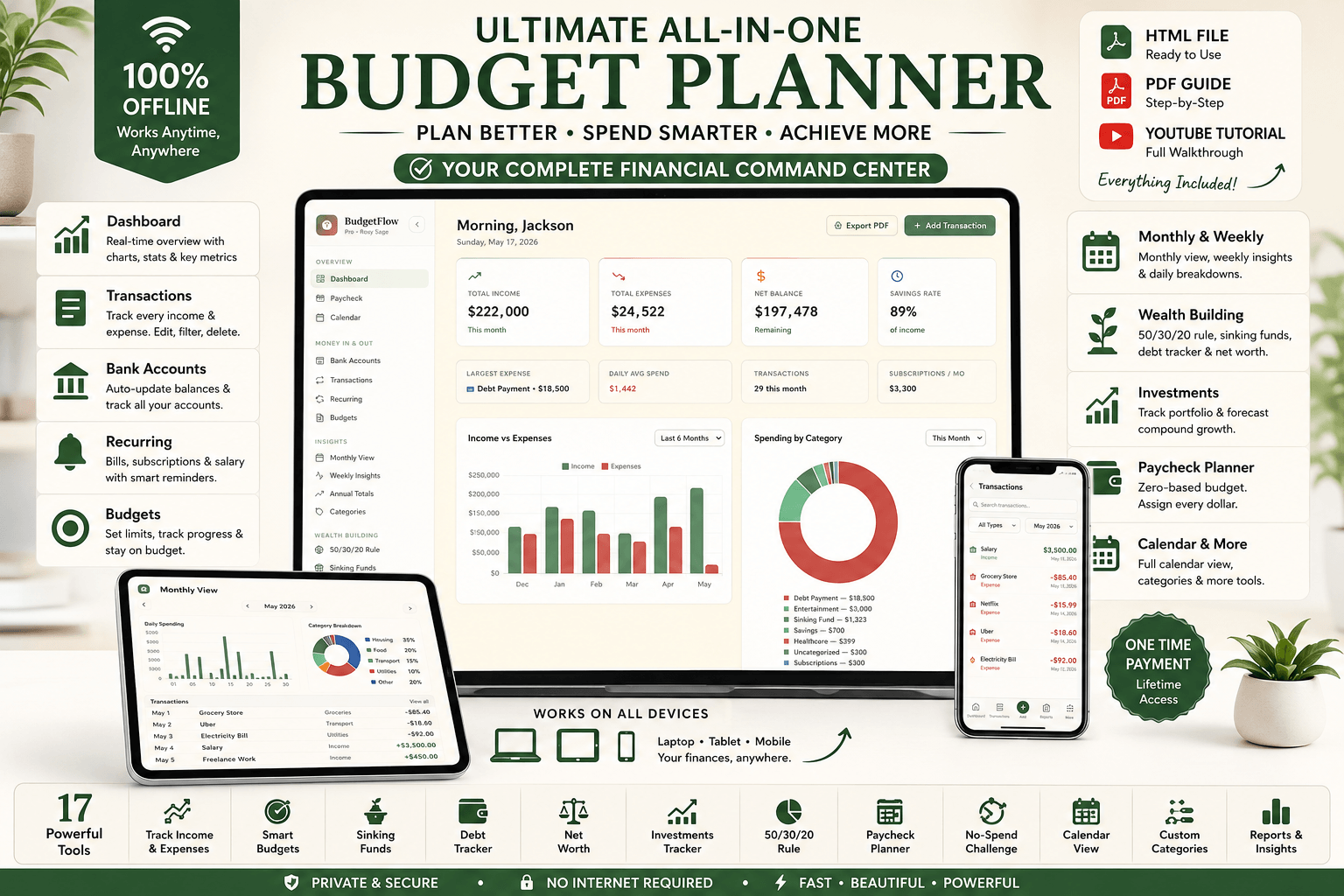
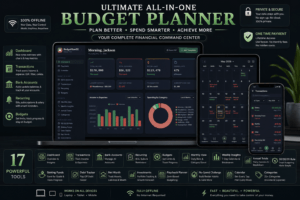
This is not a basic spreadsheet. BudgetFlow Pro is a fully automated personal finance dashboard with 20+ interconnected modules — all inside one self-contained HTML file.
💰 Transactions & Bank Accounts
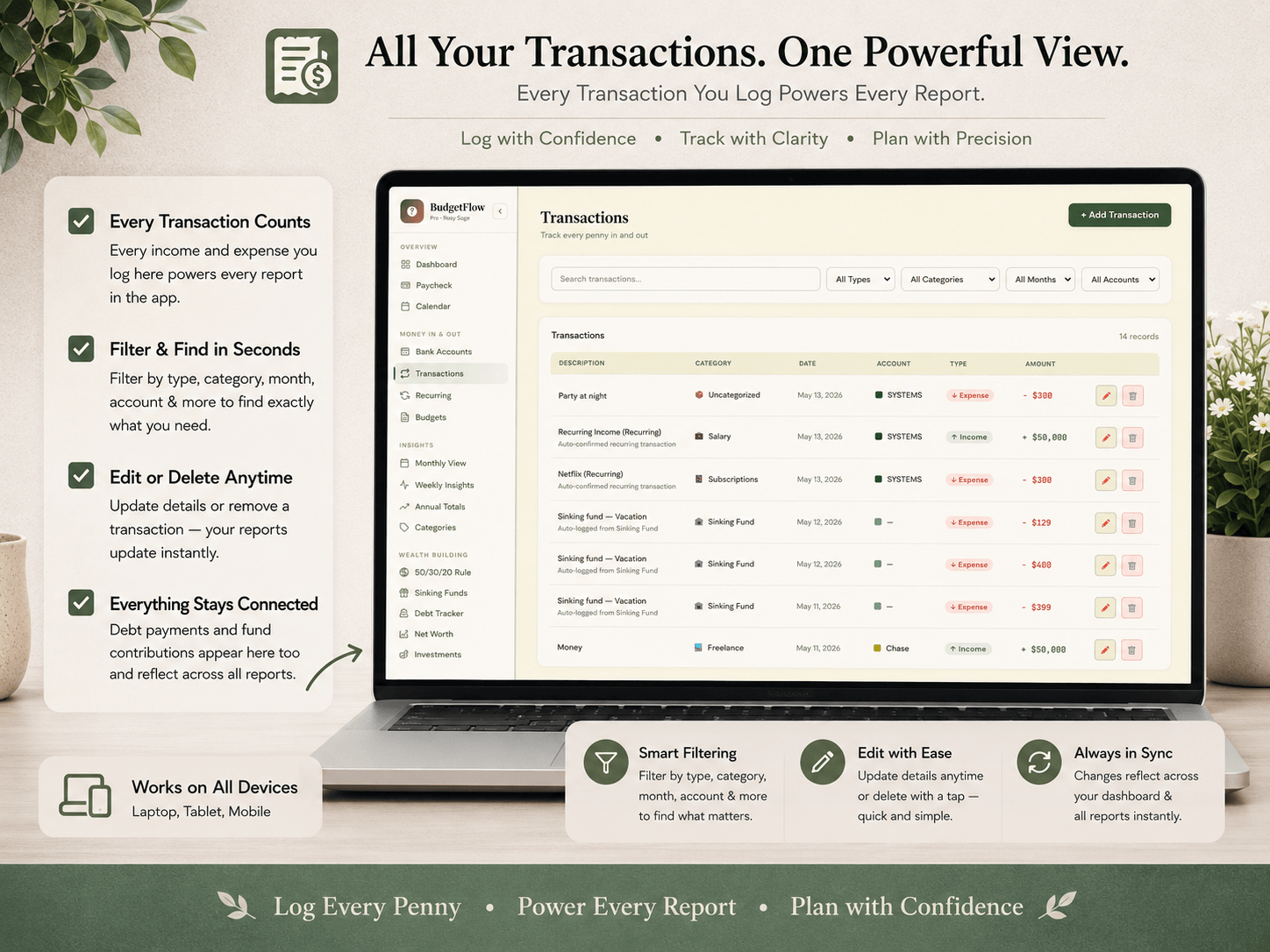
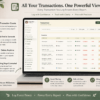
Log every income and expense with full filtering by month, category, account, or type. Track multiple checking, savings, credit card, and cash accounts simultaneously. Balances update automatically as you log transactions. Export any transaction history to PDF instantly.
📊 Budget Planner & Monthly View
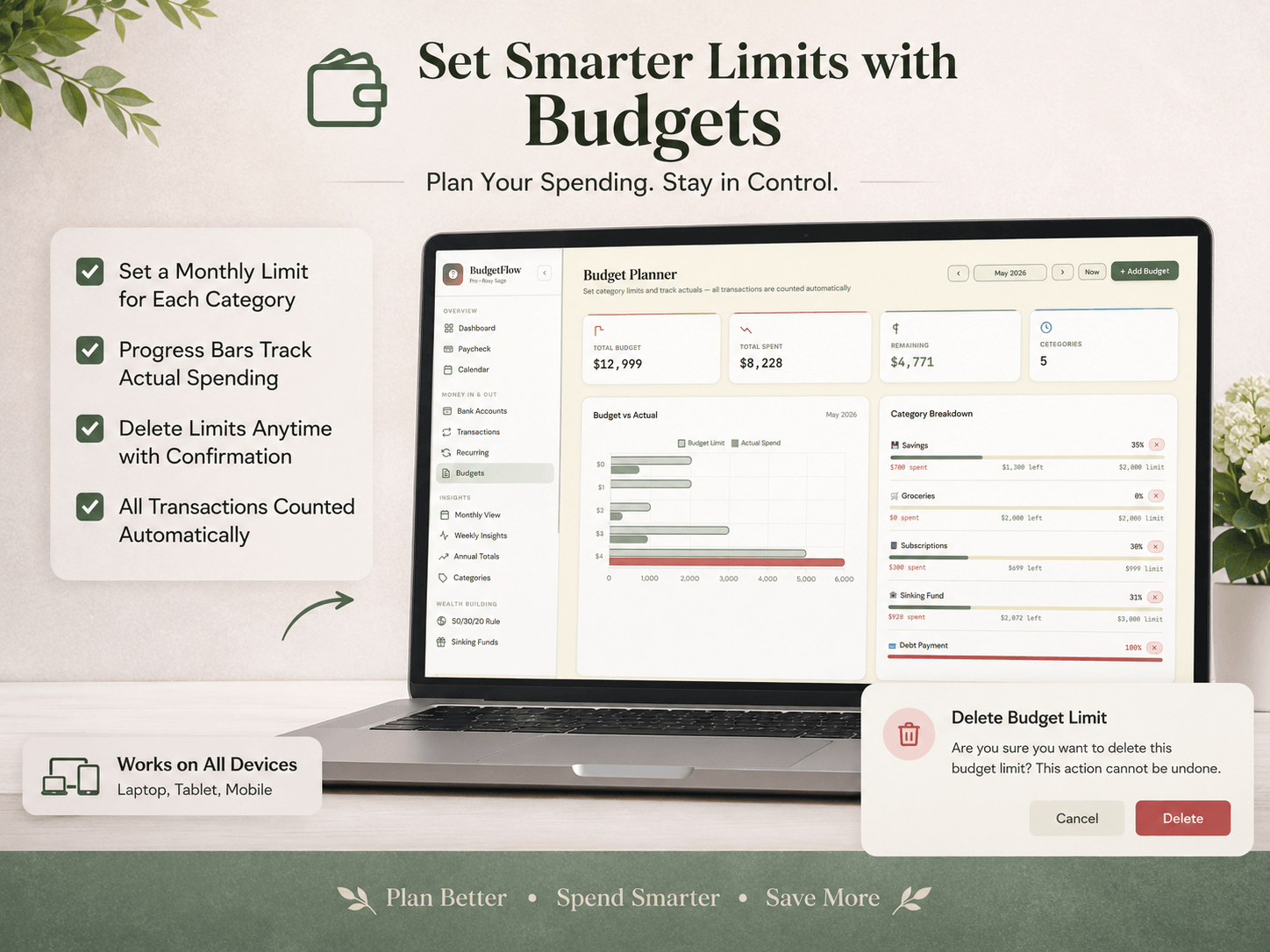
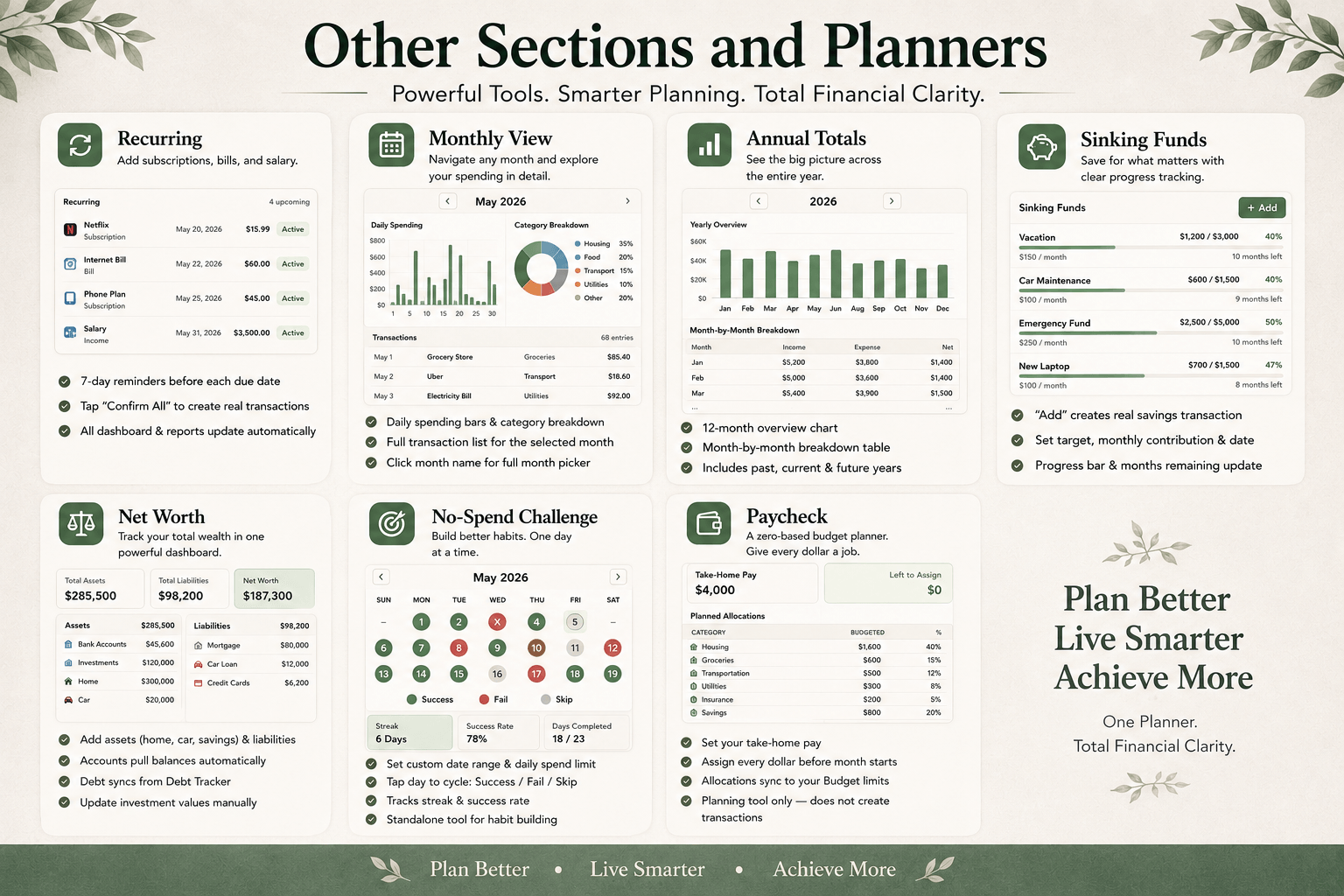
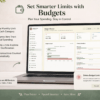
Set monthly spending limits by category and watch actual vs. budget update in real-time bar charts. Browse 6 months of budget history in a single table. Dive deep into any month with daily spending charts, category breakdowns, and a full transaction list. Export to PDF anytime.
🔁 Recurring Transactions
Set up salary, rent, Netflix, Spotify, gym memberships, and every regular bill. Get reminded 7 days before each due date. Confirm in one tap — it posts as a real transaction automatically. Never miss a bill or forget a subscription again.
💳 Debt Tracker Finance Planner
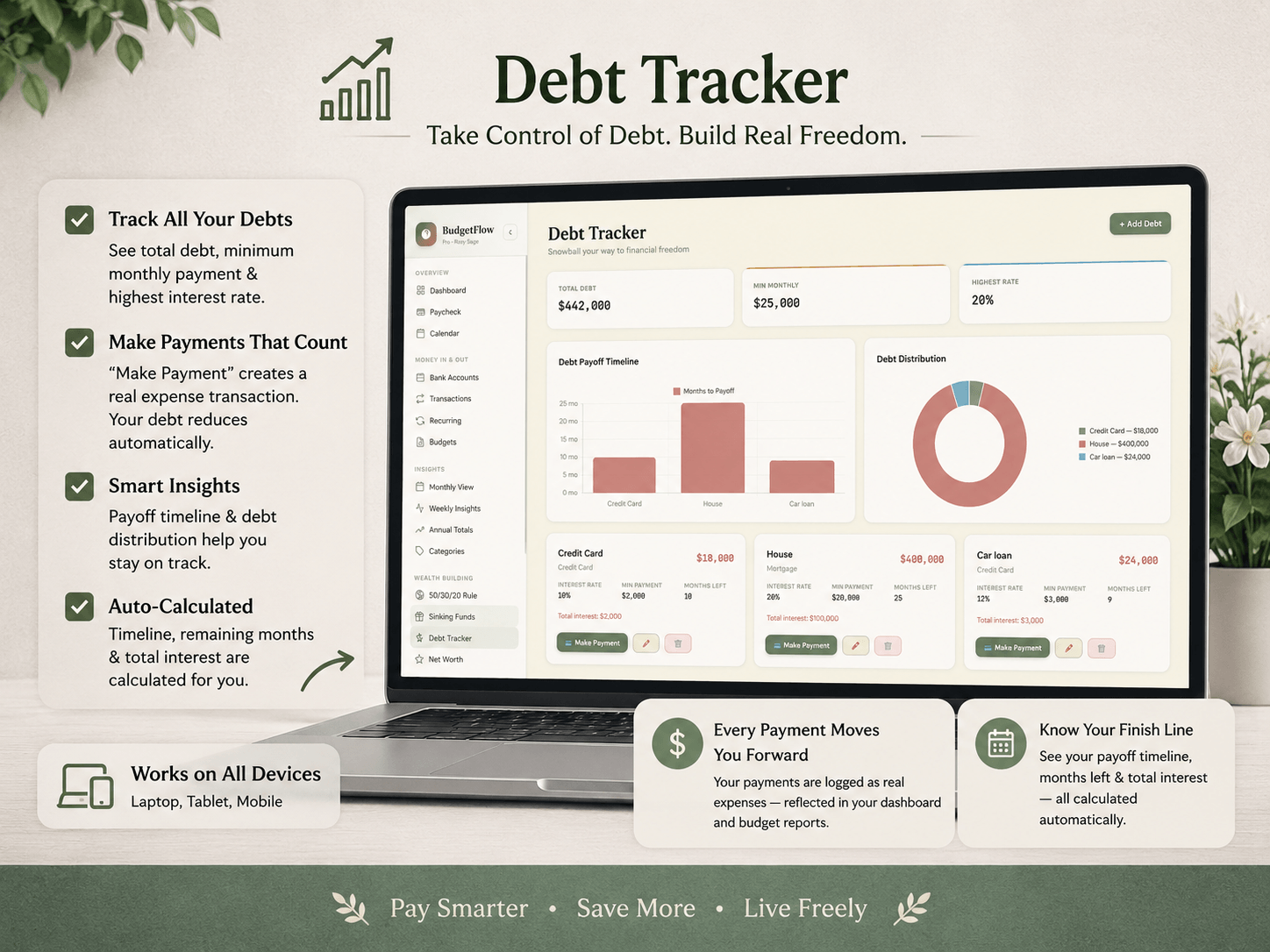
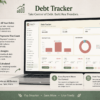
Track every debt with current balance, interest rate, and minimum payment. BudgetFlow Pro auto-calculates your complete payoff timeline and total interest cost using either the snowball or avalanche method. Payments auto-log as transactions and reverse correctly if deleted. Export a full debt report to PDF.
🪣 Sinking Funds
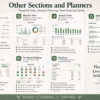
Save gradually for big planned expenses — vacation, emergency fund, car repair, home renovation. Set a target amount, monthly contribution, and target date. A visual progress bar shows exactly how many months remain until you hit your goal.
📈 Investment Portfolio & Net Worth Tracker
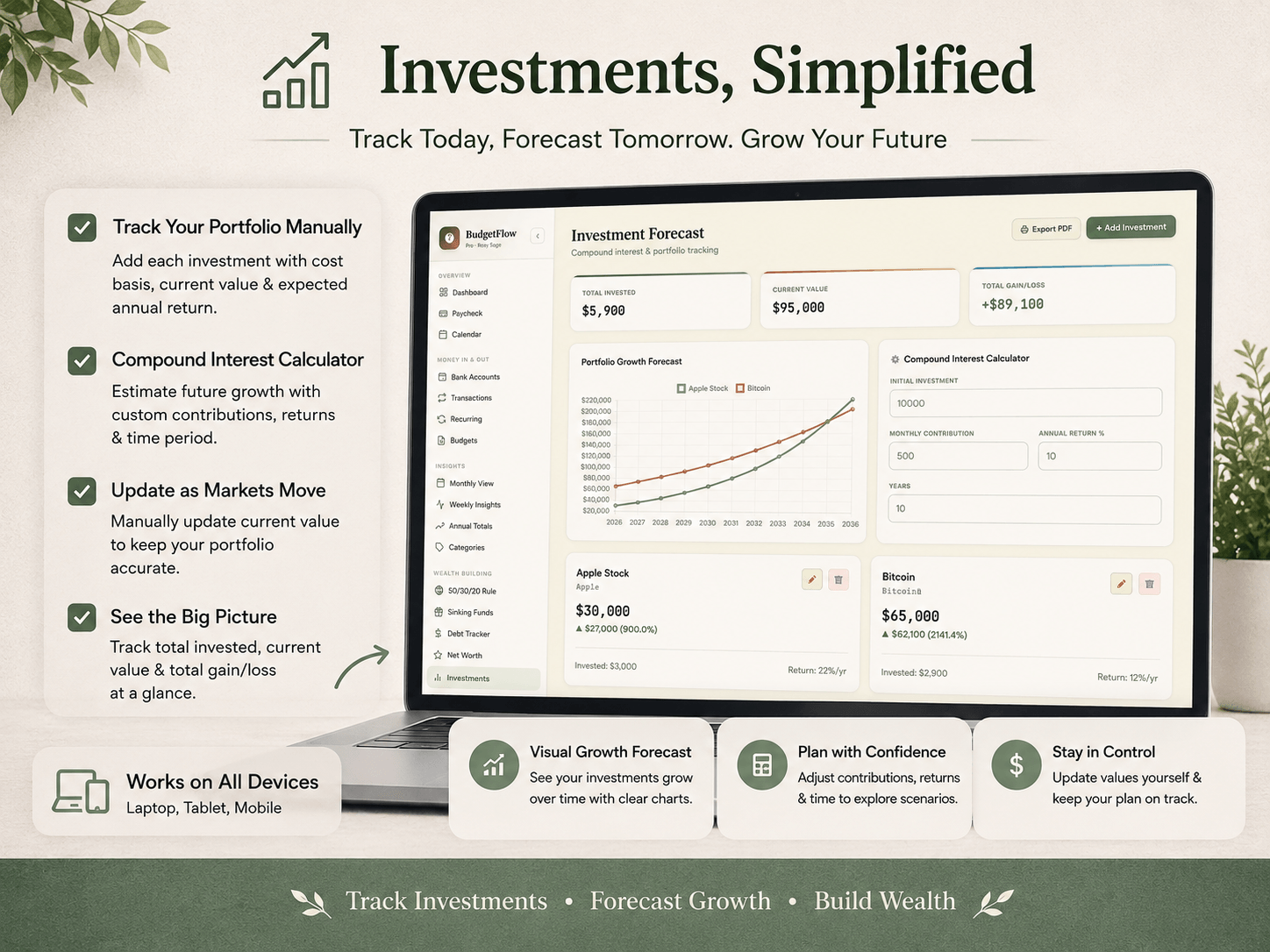
Track stocks, ETFs, 401(k), Roth IRA, crypto, and gold all in one place. Use the built-in compound interest calculator — enter your principal, monthly contribution, annual return percentage, and years to see your projected final value instantly. Net worth auto-calculates from all assets and liabilities and charts your growth over time.
🗓️ Financial Calendar & Weekly Insights
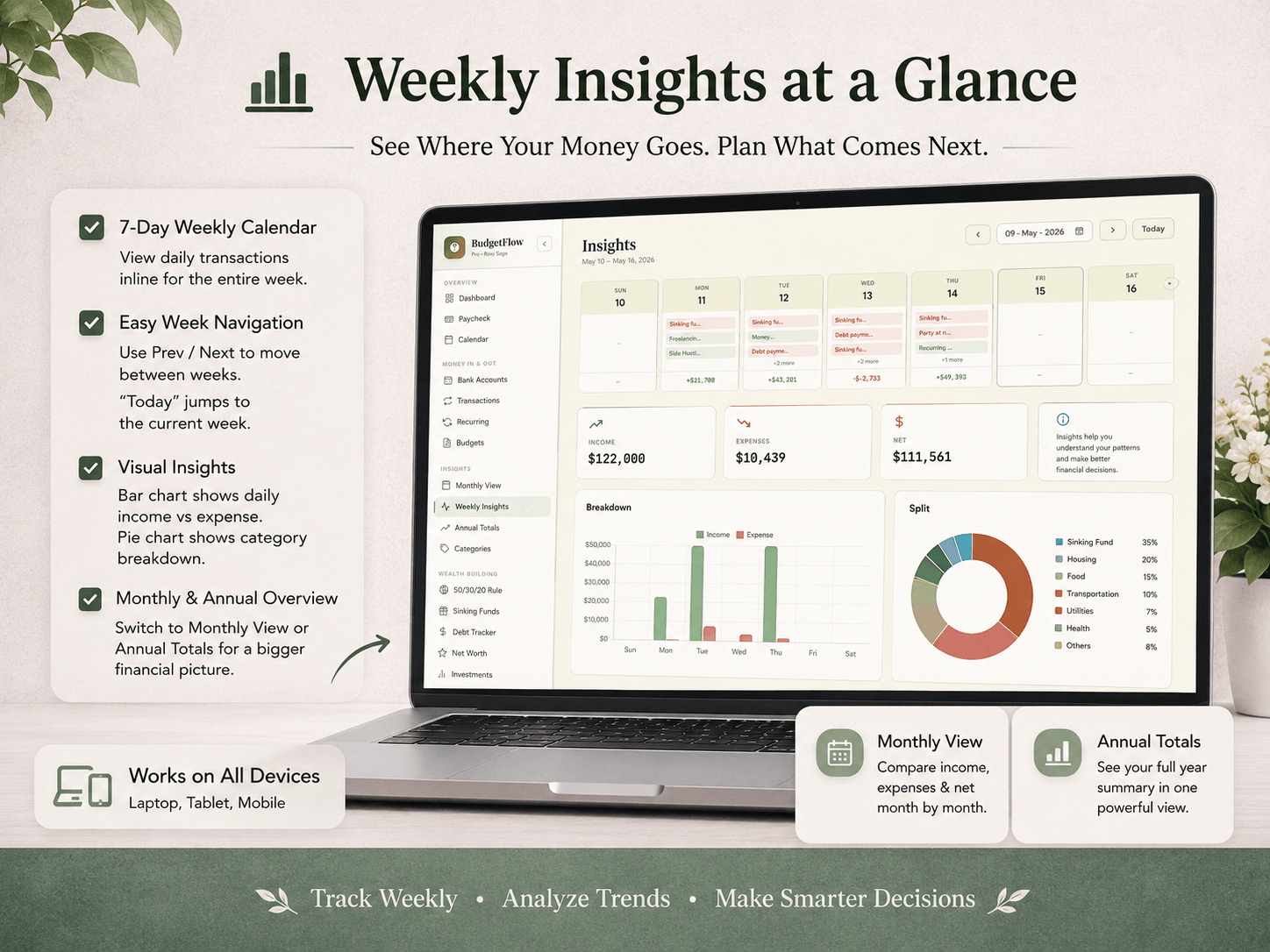
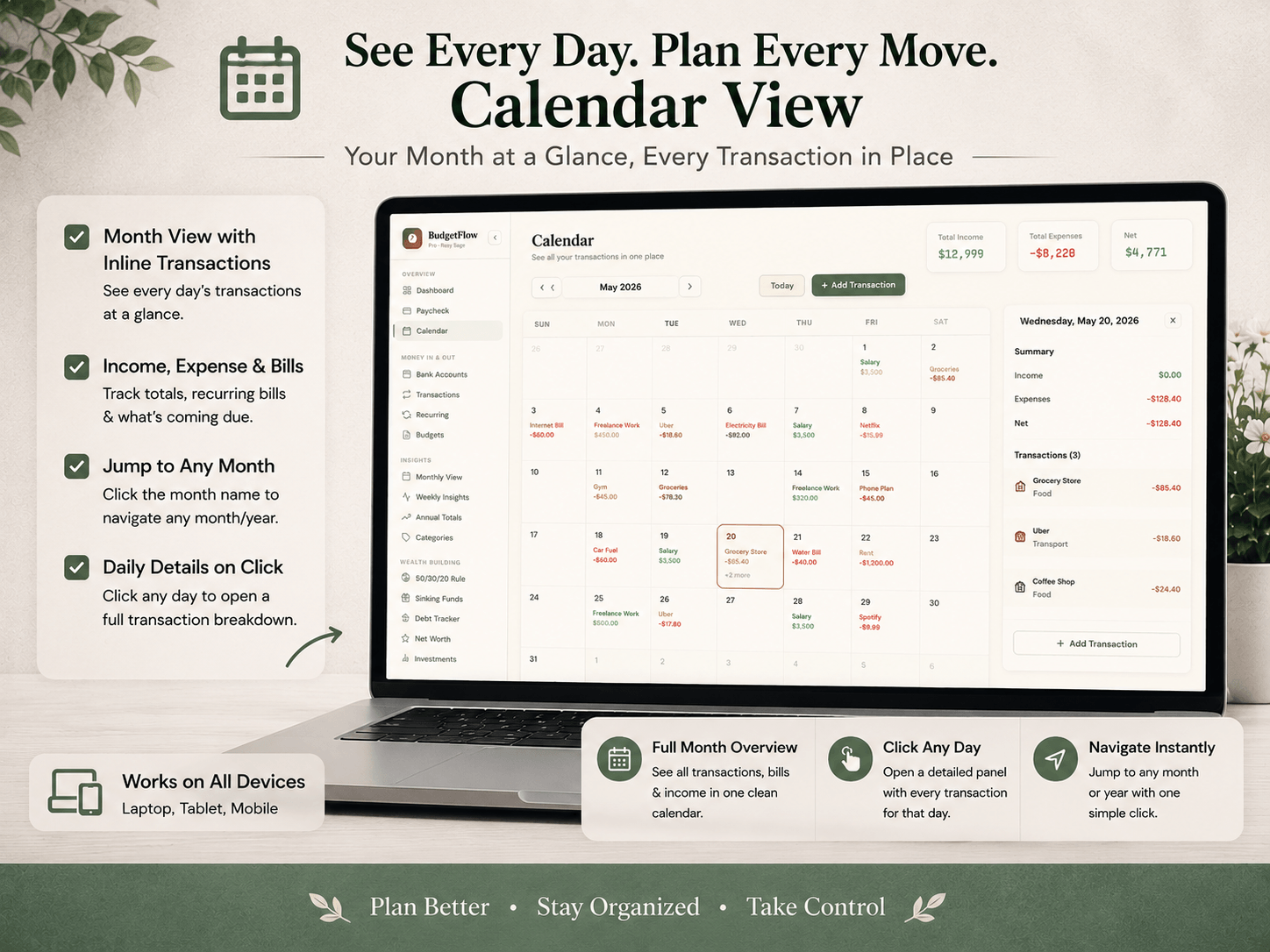
See every transaction and recurring bill on the exact day it happens in a full monthly calendar view. Click any day for an instant detail panel. Weekly view gives you a 7-column layout with daily transactions, bar charts, and pie charts broken down by amount.
📅 Paycheck Planner & 50/30/20 Dashboard
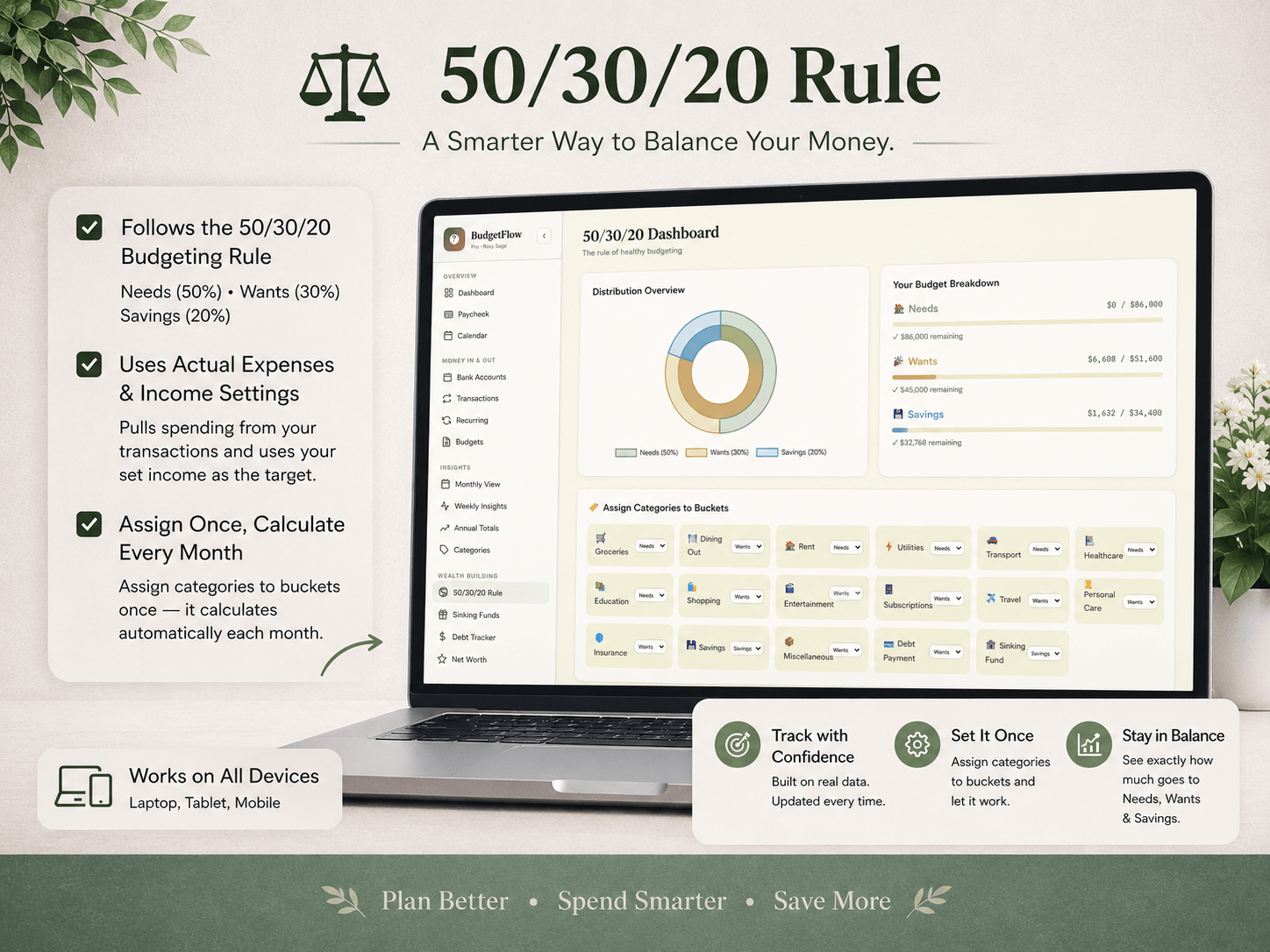
Zero-based budgeting that assigns every dollar of your paycheck before you spend it. Supports monthly, bi-weekly, weekly, and semi-monthly pay frequencies. The 50/30/20 dashboard auto-calculates your Needs, Wants, and Savings split every single month — browse any past month with a calendar picker.
📆 Annual Totals & Dashboard Overview
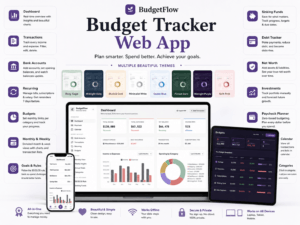
See a full year of income, expenses, and savings rate in one view. Month-by-month charts and a savings rate table for any past or future year. The main dashboard gives you an all-in-one view with income vs. expenses chart, spending by category donut chart filterable by 1, 3, 6, or 12 months, budget utilization, recent transactions, and a monthly wealth-building summary.
🏆 No-Spend Challenge
Run 7-day, 30-day, or fully custom no-spend challenges. Mark each day as Success, Fail, or Skip. Track your current streak and overall success rate to build better spending habits over time.
🌍 137 World Currencies
Switch between 137 currencies instantly — USD, GBP, EUR, PKR, AED, CAD, AUD, and 130 more. Every amount across every module updates the moment you switch. Covers Americas, Europe, Middle East, Asia-Pacific, Africa, and Oceania.
🌿 The Rosy Sage Theme
This version features the Rosy Sage color palette — a calm, elegant blend of dusty rose and sage green built for a clean, focused financial workspace. Designed for people who want their finance dashboard to feel as good as it functions.
IMPORTANT NOTES
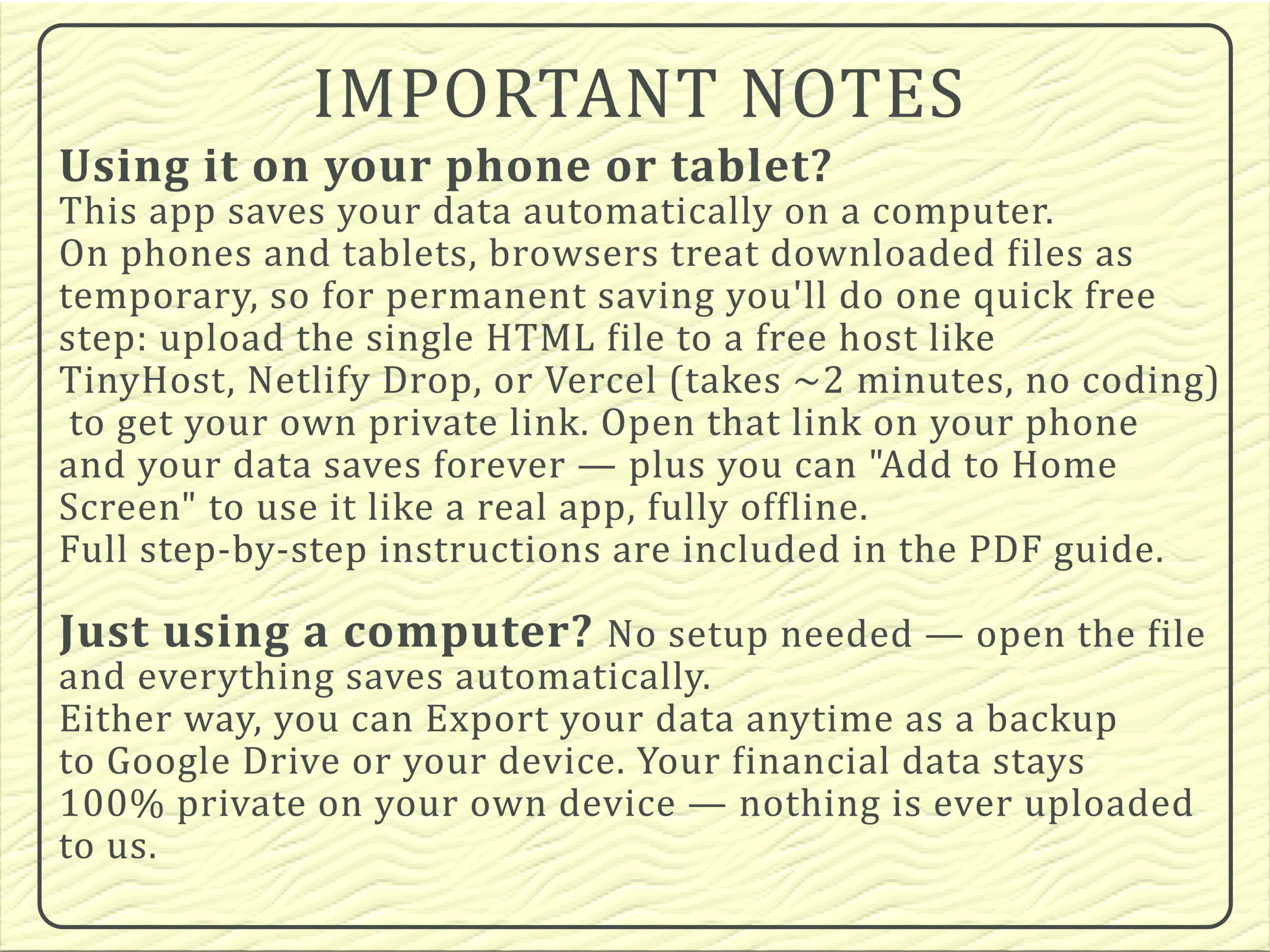
📱 Using it on your phone or tablet? This app saves your data automatically on a computer. On phones and tablets, browsers treat downloaded files as temporary, so for permanent saving you’ll do one quick free step: upload the single HTML file to a free host like TinyHost, Netlify Drop, or Vercel (takes ~2 minutes, no coding) to get your own private link. Open that link on your phone and your data saves forever — plus you can “Add to Home Screen” to use it like a real app, fully offline. Full step-by-step instructions are included in the PDF guide and inside the app itself.
💻 Just using a computer? No setup needed — open the file and everything saves automatically.
Either way, you can Export your data anytime as a backup to Google Drive or your device. Your financial data stays 100% private on your own device — nothing is ever uploaded to us.
BudgetFlow Pro is also available in:
- 🖤 Dark Midnight — sleek modern dark mode finance dashboard
- ✨ Blush Gold — warm and elegant with gold accents
- 🌿🖤✨⬜🌊 🌲 💜 🌷
All Themes Combined — every theme in one purchase
Each theme is a fully independent HTML file with identical features. Export your data as JSON from any theme and import it into another — your entire financial history carries over perfectly.
How to Use This Budget Planner HTML File
Step 1 — Purchase and Download Complete your purchase and receive an instant download link. You’ll get the HTML file, a PDF instruction guide, and a video tutorial walkthrough.
Step 2 — Open in Your Browser Double-click the HTML file or drag it into Chrome, Safari, Firefox, or Edge. No installation, no account creation, no internet connection needed.
Step 3 — Set Up Your Profile Go to Settings and enter your name, preferred currency, pay frequency, and monthly income. This automatically syncs with your Paycheck Planner and 50/30/20 dashboard.
Step 4 — Add Accounts and Debts Add your bank accounts, credit cards, and any debts you want to track. Your starting balances set the baseline for your net worth calculation.
Step 5 — Log Transactions or Set Up Recurring Bills Start logging daily income and expenses manually, or set up recurring transactions for everything that repeats — salary, rent, subscriptions, loan payments.
Step 6 — Watch Your Dashboard Come to Life Your personal finance dashboard auto-populates with charts, budget progress, debt payoff timelines, and category spending breakdowns. Everything updates in real time as you log.
Step 7 — Back Up Your Data Go to Settings → Export to save a JSON backup of your complete financial data. Import it on any other device or into any other theme version anytime.
What You Receive
- ✅ 1 × Self-contained HTML file (Rosy Sage Theme)
- ✅ PDF instruction guide with full feature walkthrough
- ✅ Video tutorial
- ✅ Lifetime access — no updates required, works forever
- ✅ Instant digital download after purchase
System Requirements
Any modern browser — Chrome, Safari, Firefox, or Edge. Windows, Mac, iPhone, iPad, or Android. No installation. No account. No internet after download.
Frequently Asked Questions
Q: Is my financial data private and secure? Everything is stored in your browser’s local storage on your own device. No data is ever sent to any server. The app is passkey-protected so only you can open it on your devices.
Q: Does this offline budget tracker work on iPhone and Android? Yes. Open the HTML file in Safari on iPhone or Chrome on Android. Every feature works fully on mobile browsers without any app installation.
Q: Is this really a one-time purchase with no subscription? Yes. This is a budget planner one time purchase — you own the file permanently. No recurring fees, no account renewals, no expiry date, ever.
Q: What if I want a different theme later? Each theme is sold separately. Export your data as JSON from Settings in your current theme and import it into the new one — your complete transaction history, debts, and accounts carry over instantly.
Q: Can I use it on multiple devices? Yes. Copy the HTML file to any device and open it in a browser. Use the JSON export and import to move your data between devices whenever you need.
Q: Does it work without an internet connection? Completely. After the initial download, this budget planner HTML file requires zero internet to run. Every single feature works fully offline.
Q: What currencies are supported? 137 world currencies including USD, GBP, EUR, PKR, AED, CAD, AUD, INR, SAR, and more. Switch from the sidebar and every amount across the entire app updates instantly.
Q: Can I get a refund? As this is an instant digital download, please review all product details and screenshots carefully before purchasing.

Reviews
There are no reviews yet.