
Description
Late-night budgeting deserves a spreadsheet that doesn’t blind you. BudgetFlow DARK is a dark mode budget spreadsheet google sheets and Excel template — the same simple, beginner-friendly planner, dressed in a warm charcoal theme with soft teal, sage, sand and rose accents. It’s genuinely pretty. People will ask what app you’re using.
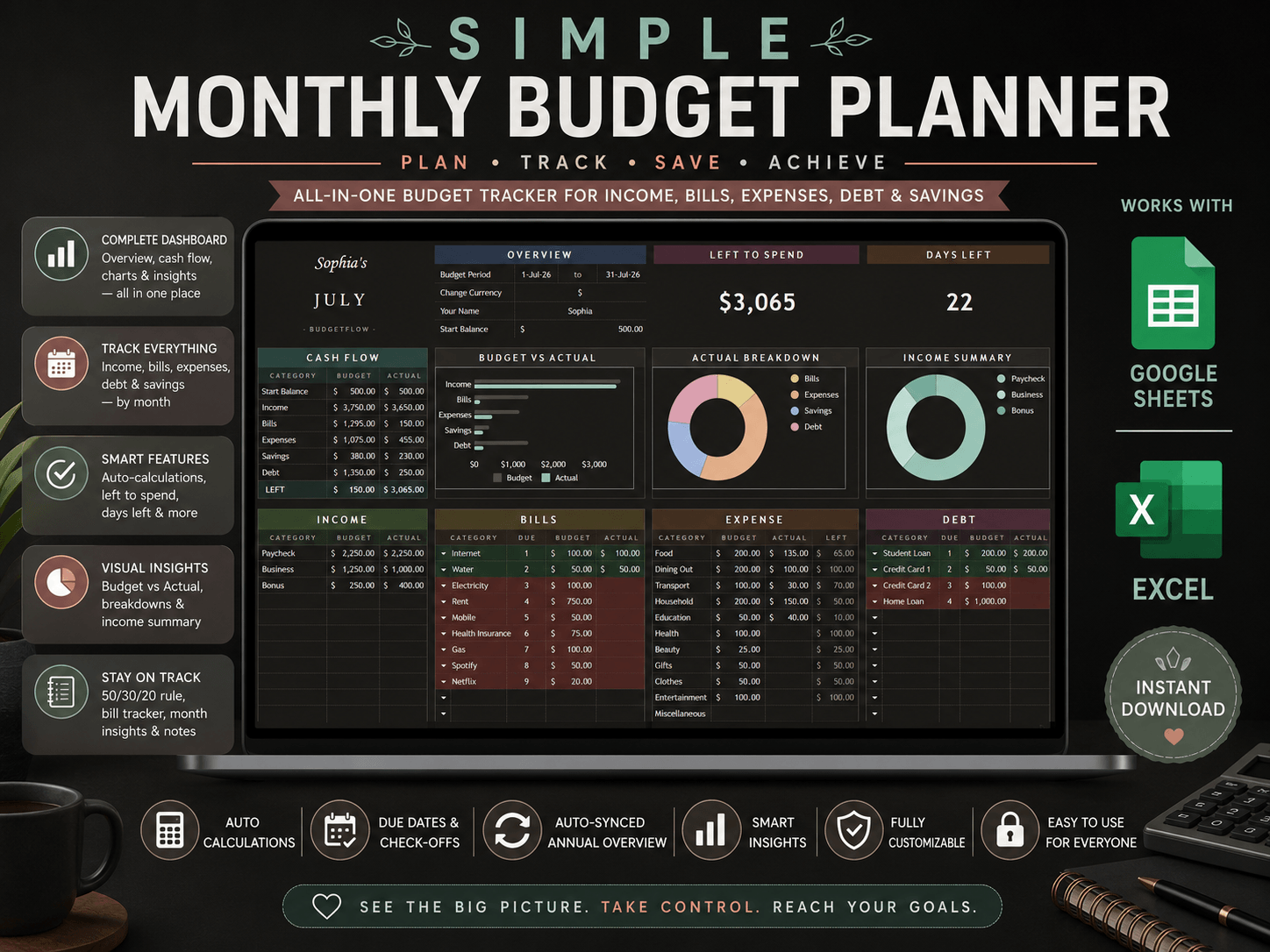
This is a black budget planner template for excel and Google Sheets where everything is already built: 12 pre-built months in a clean landscape dashboard, income, bills with due dates and paid checkmarks (rows glow green when ticked, overdue ones turn red), expenses, debt, and savings. No formulas to write, no setup — if budgeting has ever felt overwhelming, this is the easy way in.
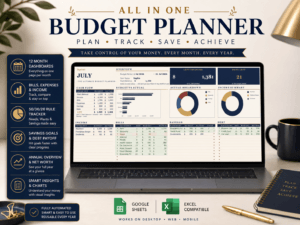
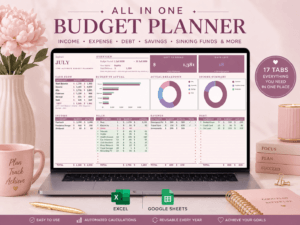
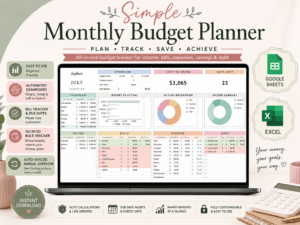
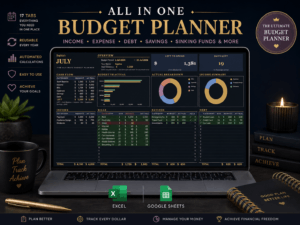
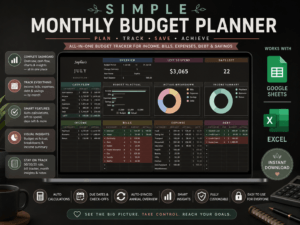
At its heart is an aesthetic dark budget dashboard spreadsheet: live Left-to-Spend and Days-Left cards, three dark-themed charts that update as you type, a 50/30/20 tracker, and monthly insights that tell you your top spending category and daily allowance.
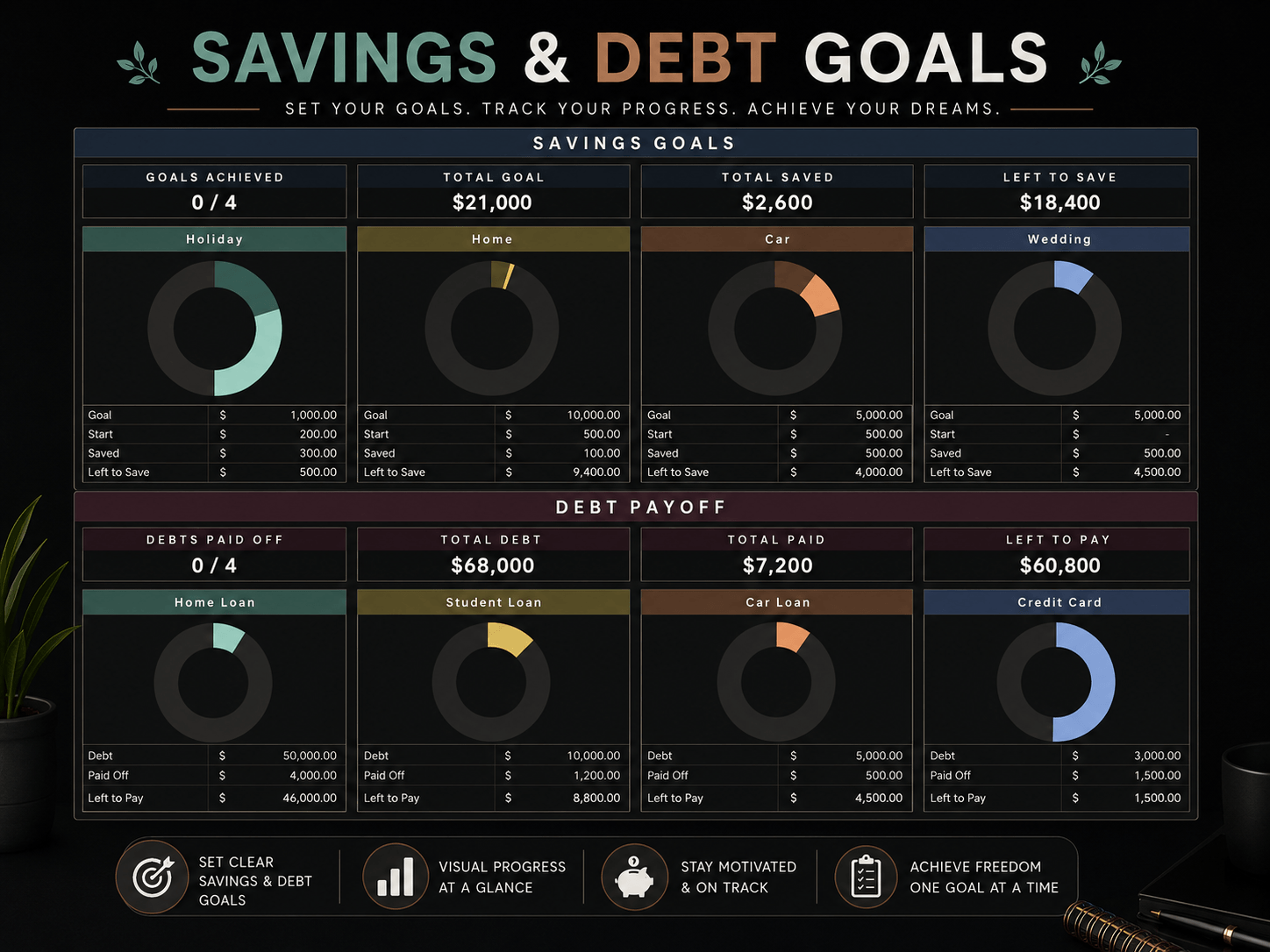
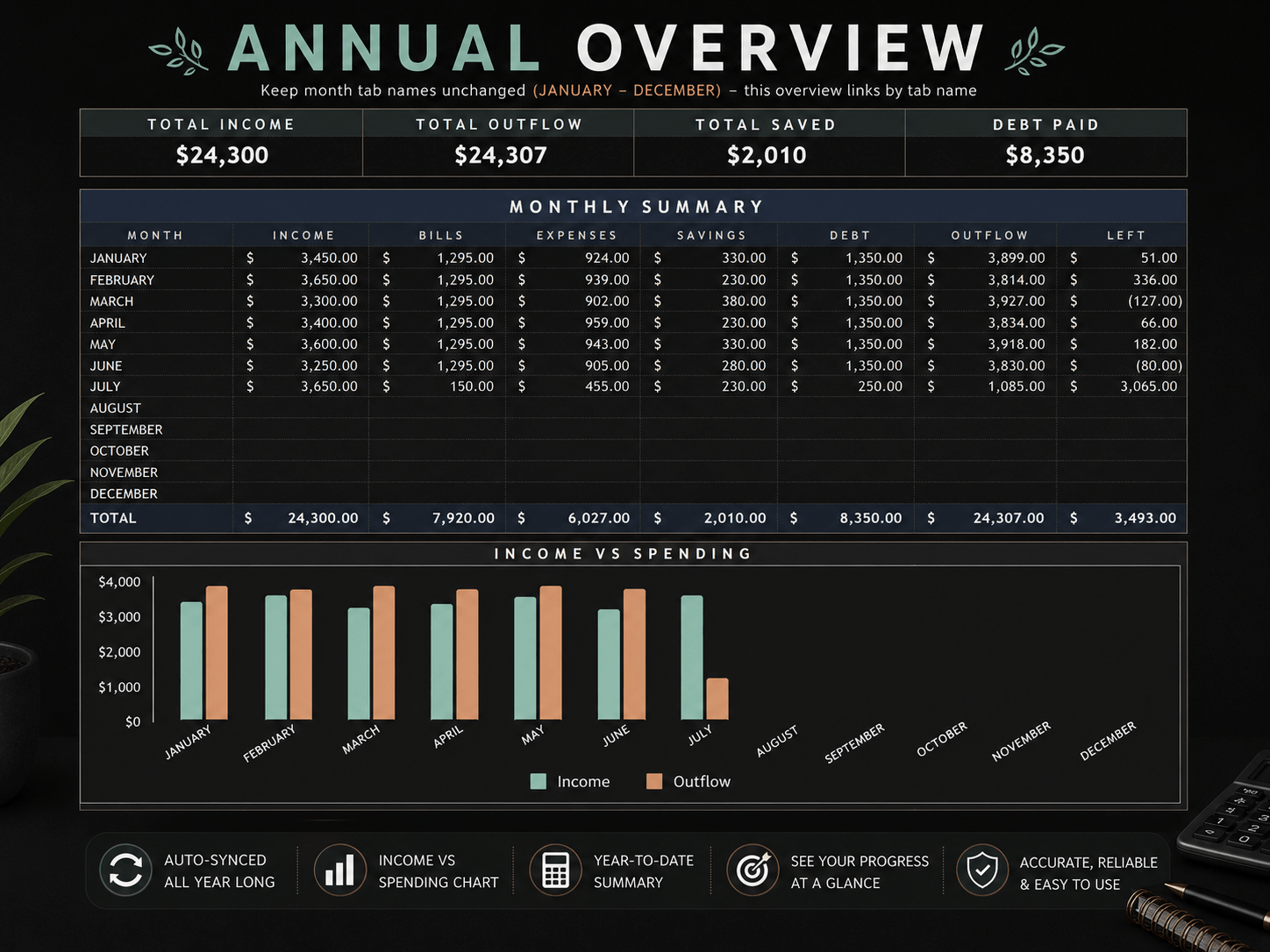
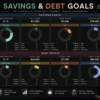
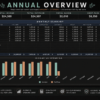
It’s also a simple monthly budget tracker dark theme users can grow with — savings goal rings, debt payoff progress, and an Annual Overview tab that syncs all twelve months automatically. And as an easy dark mode bill and expense tracker, it works beautifully on your phone too — the Sheets and Excel mobile apps in dark mode make it look like a designer finance app.
One-click Google Sheets copy link included, plus the Excel file. Editable dates — reuse it every single year.
BudgetFlow DARK is a dark mode monthly budget planner spreadsheet for Google Sheets and Excel — a complete black-theme budget template with bill tracker, expense tracker, debt payoff, savings goals and an auto-synced annual overview. Easy on the eyes for late-night budgeting, and it looks incredible on screen. See exactly what’s left to spend and never miss a bill again.
Instant digital download · works in Google Sheets (one-click copy link) and Microsoft Excel (desktop & free Excel Online).
★ DETAILS AT A GLANCE
Product type: Digital dark-theme budget planner spreadsheet (instant download, no physical item)
Software compatibility: Google Sheets · Microsoft Excel (2016+, Microsoft 365, free Excel Online) · Windows, Mac, and the free Sheets/Excel mobile apps (dark theme looks stunning in the mobile apps’ dark mode)
Format: .xlsx file + PDF guide containing a one-click Google Sheets copy link
Size: 16 tabs — How To Use, 12 pre-built months, Goals, Annual Overview, Template (small file, opens instantly)
Budgeting frequency: Monthly by default — dates are fully editable, so you can also run it by paycheck, biweekly, or weekly, and reuse it for 2026, 2027, 2028 and beyond
Savings target: Fully customizable — set your own savings goals and debt payoff amounts, track progress with visual rings
Intended audience: Beginners and busy people — no formulas to build, no setup; great for couples, families, students, night owls and dark-mode lovers
Theme: Dark — warm charcoal background with muted teal, sage, sand, clay and rose accents (a matching Light version is available separately in my shop)
Light Theme for this Budget Planner Spreadsheet
Other Budget and Finance Planner Spreadsheets (Advanced, Individuals etc)
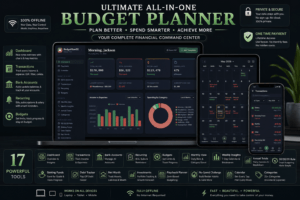
Check out the All-in-One Budget Planner HTML Web App here:
─────────────────────────
★ WHAT YOU GET (instant download)
BudgetFlow DARK — Excel file (.xlsx), 16 fully-built tabs
PDF guide — one-click Google Sheets copy link + setup steps for both platforms + dark theme tips
─────────────────────────
★ WHAT’S INSIDE — TAB BY TAB
📖 HOW TO USE — quick-start guide built into the file
📅 JANUARY – DECEMBER (12 pre-built month tabs), each a full dashboard:
Overview box — name, editable budget period dates (any year), start balance
LEFT TO SPEND + DAYS LEFT cards that update live
Cash Flow summary — budget vs actual for income, bills, expenses, savings & debt
3 auto-updating dark-themed charts — Budget vs Actual, spending breakdown donut, income donut
INCOME (14 rows) · BILLS (35 rows, due dates + paid checkmarks) · EXPENSE (35 rows with Left column) · DEBT (35 rows) · SAVINGS (17 rows)
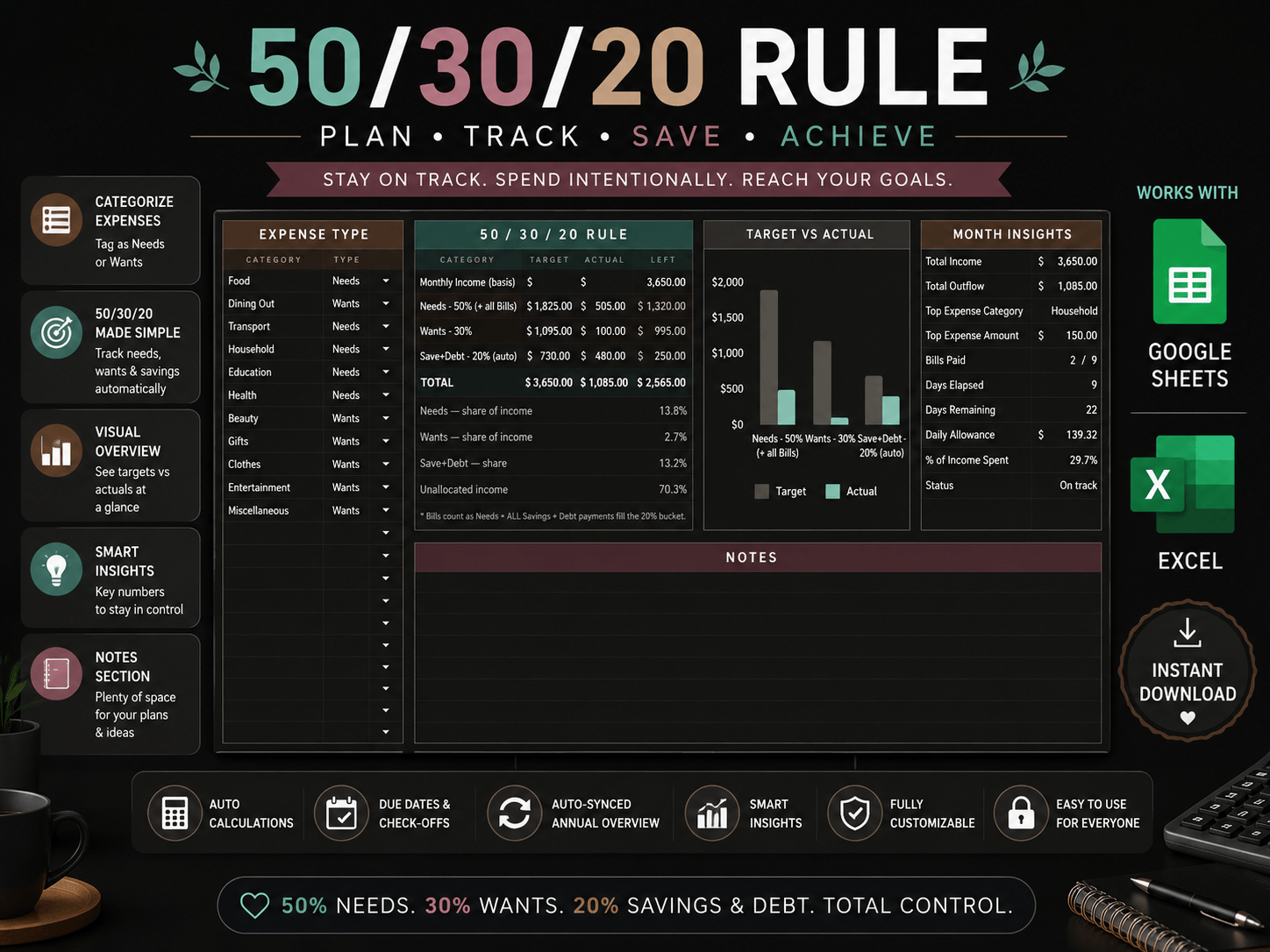
50/30/20 RULE tracker with chart — Bills auto-count as Needs, Savings + Debt auto-fill the 20%, you just tag expenses Needs/Wants
MONTH INSIGHTS — top spending category, bills-paid counter, daily allowance, % of income spent, on-track status
NOTES space every month
🎯 GOALS — savings goals & debt payoff with progress rings and totals (permanent tab)
📊 ANNUAL OVERVIEW — all 12 months in one table + income-vs-spending chart + year-to-date cards, synced automatically
🧰 TEMPLATE — a clean spare month for new years
─────────────────────────
★ SMART FEATURES
✔ Everything calculates itself — totals, charts, left to spend, days left
✔ Paid checkmarks turn the row green · overdue bills & debts turn red automatically
✔ Annual overview updates the moment you type in any month
✔ Editable dates — reuse every year
✔ Any currency (quick number-format change)
✔ Optional one-click checkboxes — 1-minute convert, instructions included for Sheets & Excel
✔ Rename any category, add your own, change budgets anytime
─────────────────────────
★ FULL DARK EXPERIENCE (tips included in the PDF)
Excel desktop: set Office Theme to Black — the whole window matches the sheet
Google Sheets: the sheet itself is fully dark; use the Sheets mobile app (proper dark mode) or a browser dark extension for a fully dark screen
Printing paper copies? Dark uses lots of ink — the Light version in my shop prints better
─────────────────────────
★ HOW IT WORKS (3 steps)
Customize — name, dates, categories, budget amounts
Track — enter real income & spending, tick bills as you pay
Watch — charts, insights and the annual overview update instantly
─────────────────────────
Commercial License
What is Included in Commercial License (If you buy commercial license version)
Allowed
✔ Unlimited client use
✔ Edit and customize
✔ Add your branding
✔ Deliver completed planners to clients
✔ Use for bookkeeping, coaching, consulting, and VA services
Not Allowed
✘ Resell or redistribute the original spreadsheet
✘ Sell modified versions as spreadsheet templates
✘ Upload to Etsy, Creative Market, Gumroad, Shopify, or similar marketplaces
✘ Share the original files or Google Sheets link
✘ Claim the design or formulas as your own
if you wanna resell this, you can join our Affililated Program and can earn 50% or more.
─────────────────────────
📥 How to Download
1. Choose Your Version
Select the version you’d like to purchase:
Personal License
Commercial License
2. Purchase the Product
Click “Buy this” (or “Add to Cart” if you’re already signed in to Gumroad).
3. Enter Your Details
Enter your:
Email address
Payment information
Billing details (if required)
Then complete your purchase.
4. Download Your Files
After payment, you’ll be taken to a download page where you can download all included files immediately.
You’ll also receive a download link by email for future access.
⚠️ Important: If possible, avoid using Apple’s Hide My Email (Private Relay) address (e.g. [email protected]) during checkout. Download Link, some update emails or attachments may not be delivered correctly. Using your regular email address (such as Gmail or Outlook) helps ensure you receive all future product updates.
─────────────────────────
★ PLEASE NOTE
• This is a DIGITAL DOWNLOAD — no physical item will be shipped
• Requires a free Google account (for Sheets) or Excel/Excel Online
• Due to the digital nature of this product, all sales are final — but if anything looks off, message me and I’ll make it right
Happy budgeting! 💚
─────────────────────────

Reviews
There are no reviews yet.