
Description
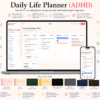
ADHD Daily Life Planner HTML APP
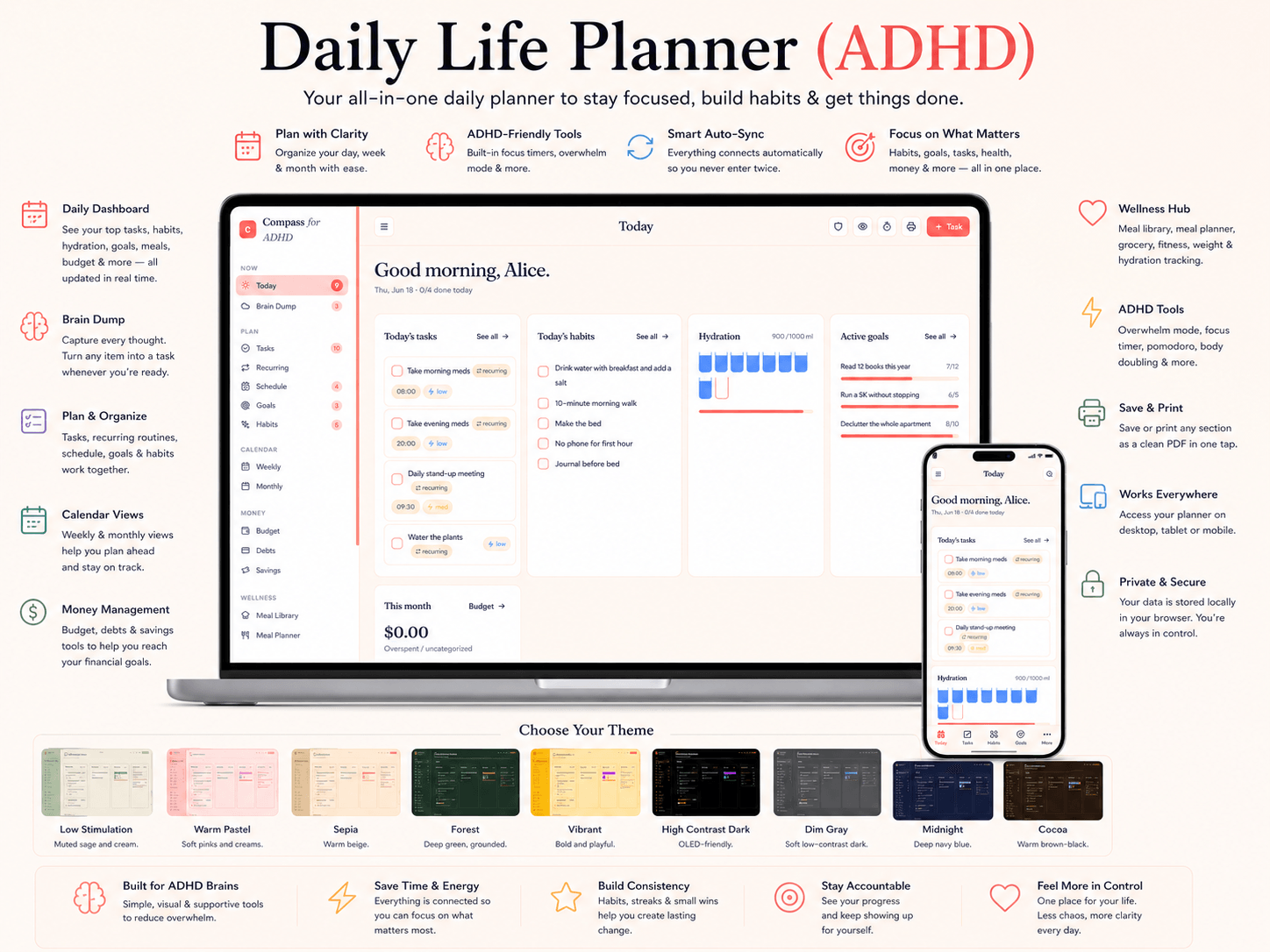
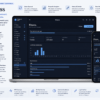
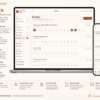
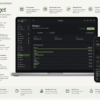
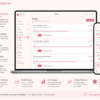
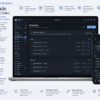
ADHD digital planner that runs offline in any browser — no app, no account, no subscription. One file organizes your entire life: tasks, habits, routines, budget, meals, wellness & focus.
⭐ Built FOR ADHD brains, not adapted for them. Compass brings everything into one calm, private place — with ADHD-specific tools most planners skip.
🧠 ADHD-FRIENDLY TOOLS
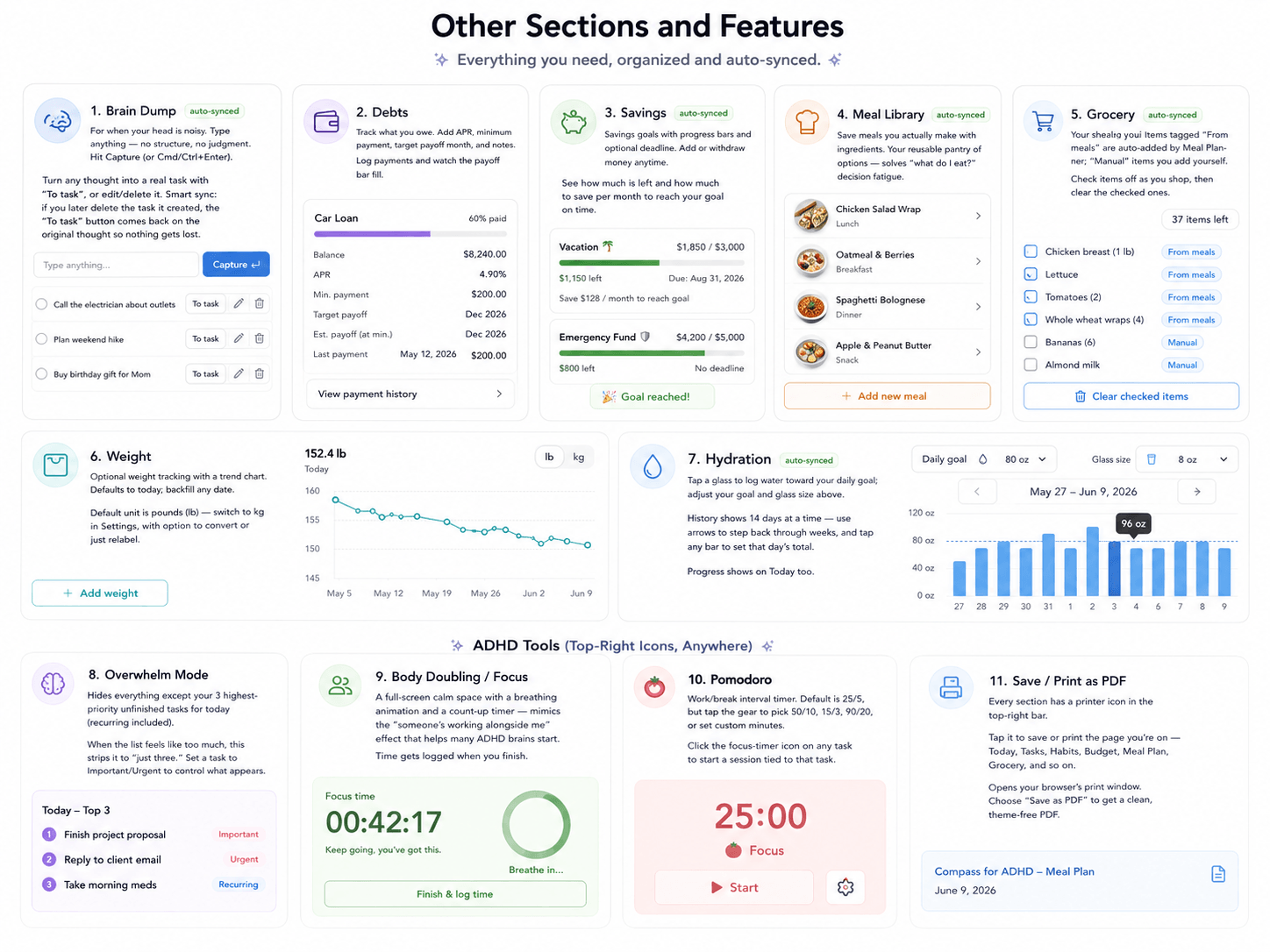
• Overwhelm Mode — hides everything but your top 3 tasks
• Body-Doubling / Focus space with a calming breathing timer
• Built-in Pomodoro timer (25/5, 50/10, 90/20, or custom)
• Brain Dump — capture racing thoughts, turn any into a task
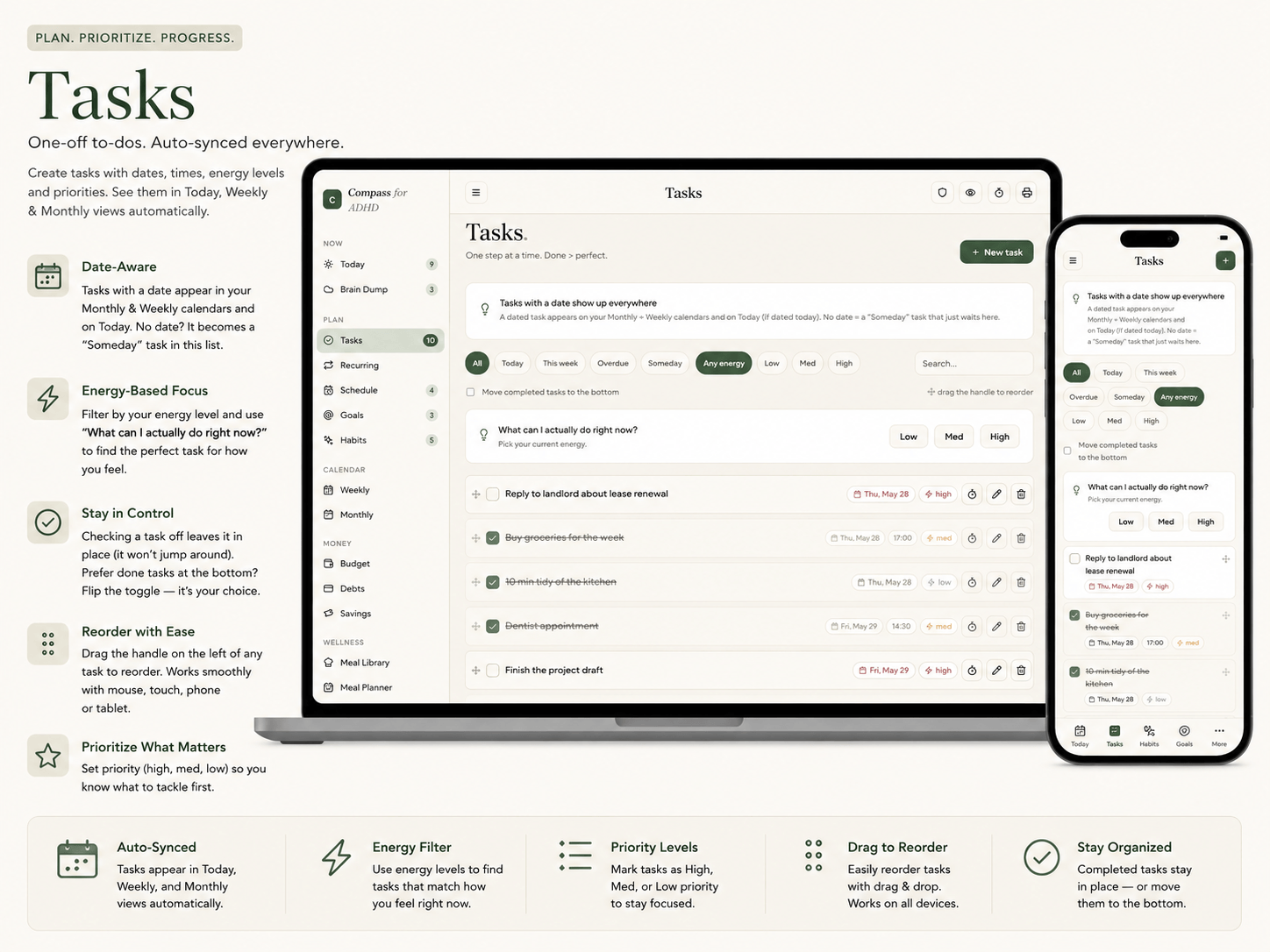
• Energy-based task filtering (low / medium / high)
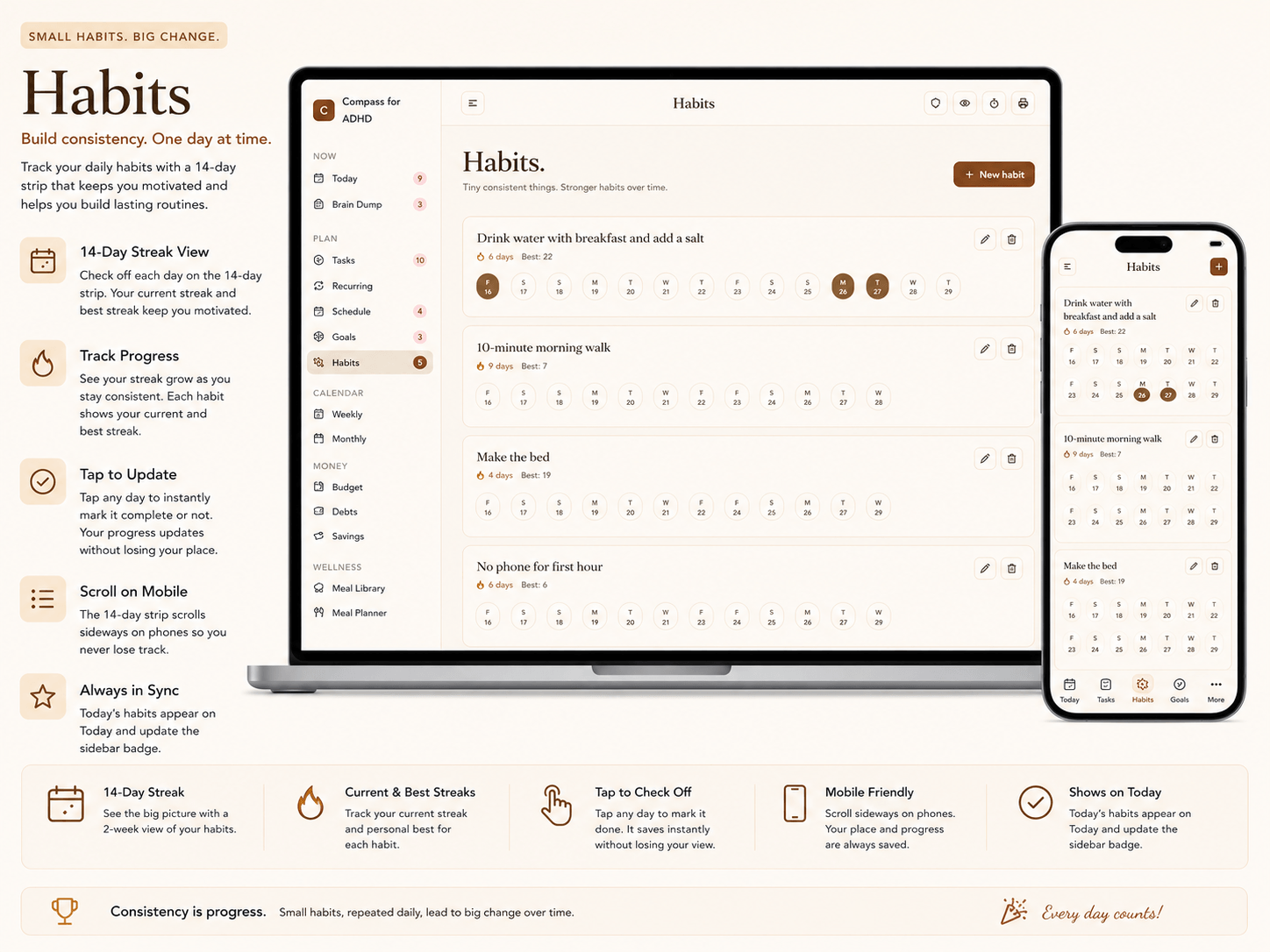
• Streaks, gentle nudges & sidebar reminder badges
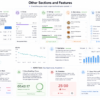
📂 EVERY SECTION YOU GET
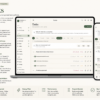
• Today — a live dashboard of everything happening today
• Brain Dump — a judgment-free space to offload your mind
• Tasks — to-dos with dates, energy levels & drag-to-reorder
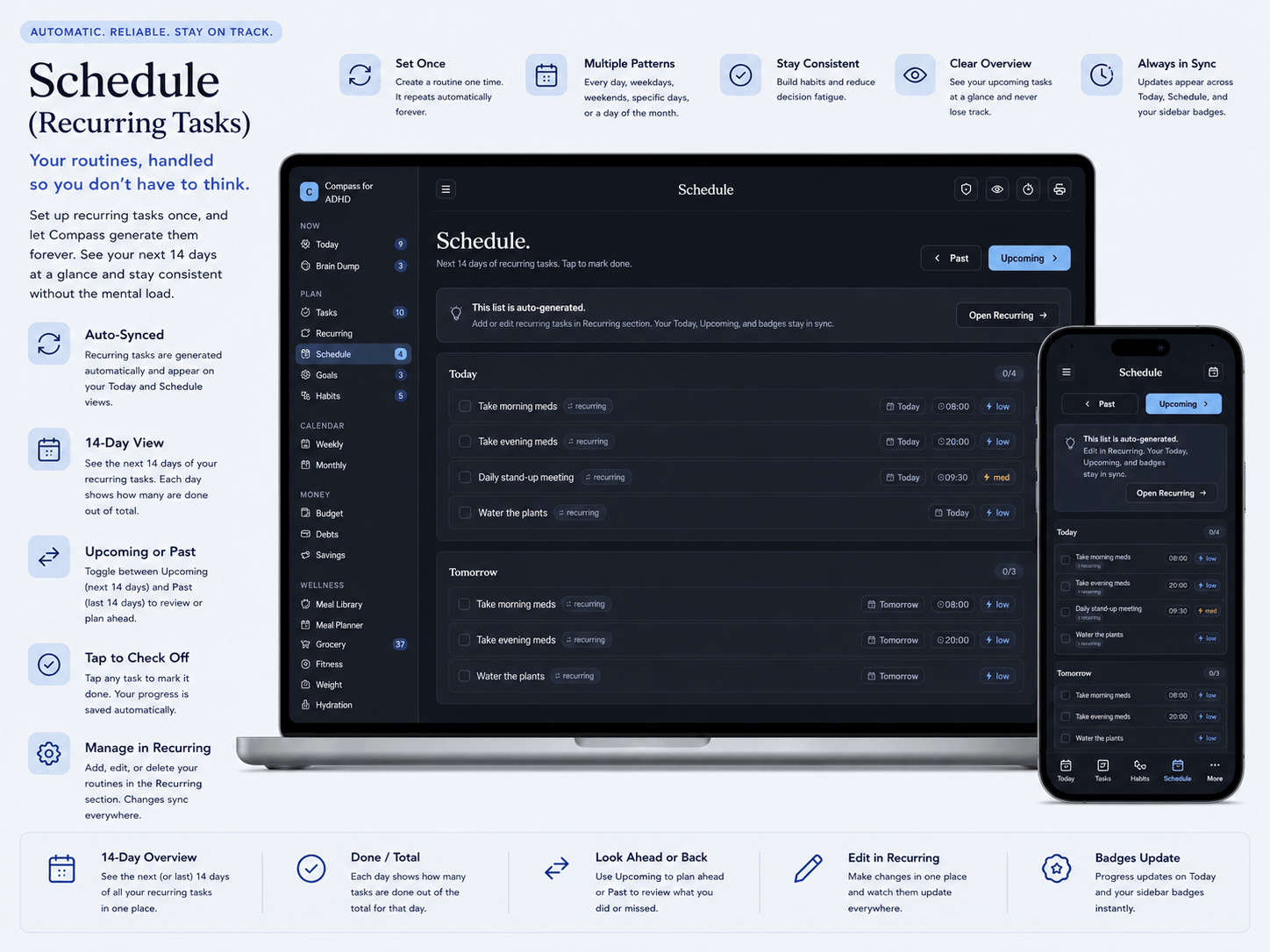
• Recurring — set a routine once, it repeats automatically
• Schedule — 14-day view of routines, past & upcoming
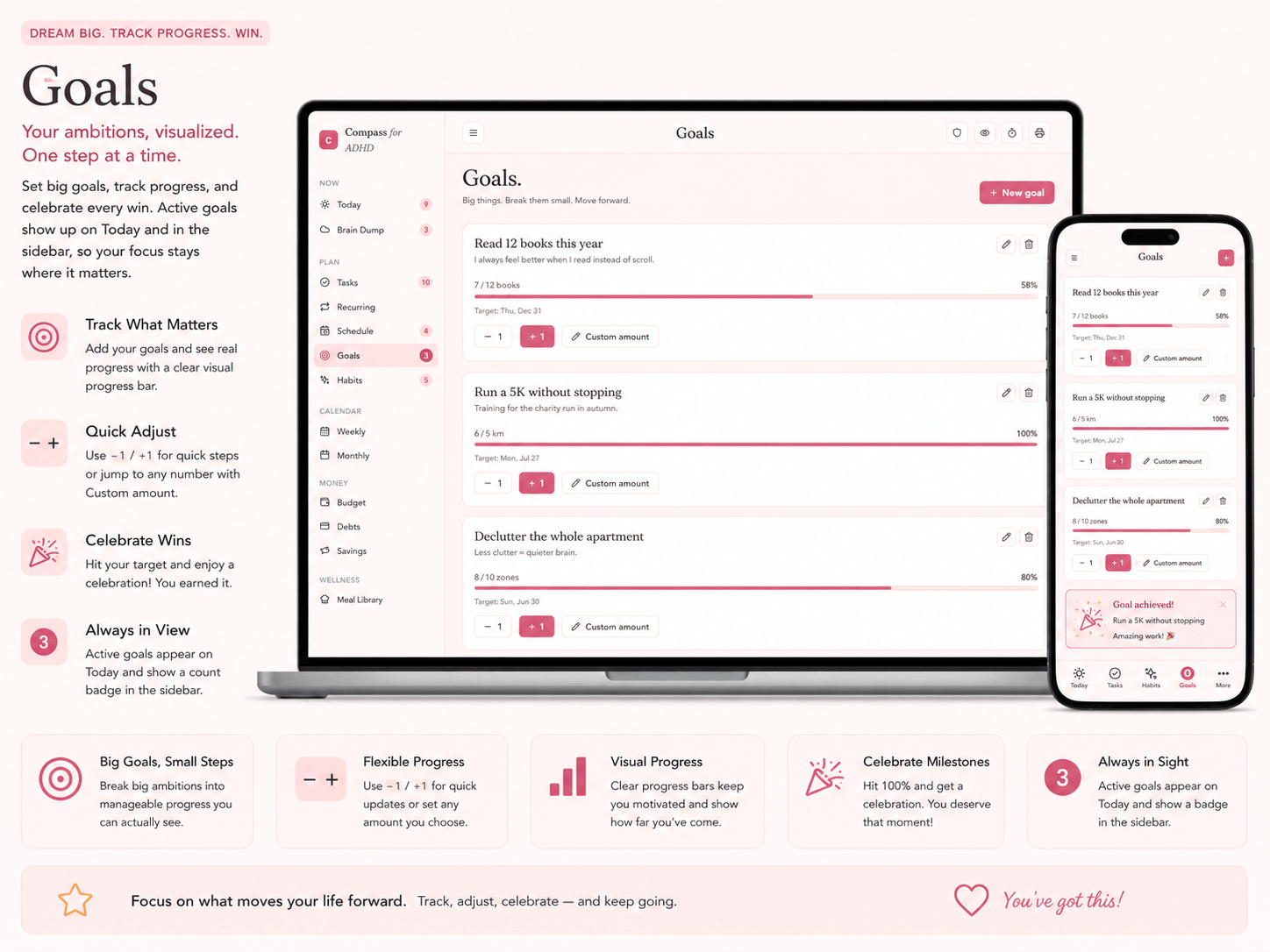
• Goals — progress bars with custom amounts & celebrations
• Habits — daily check-offs with current & best streaks
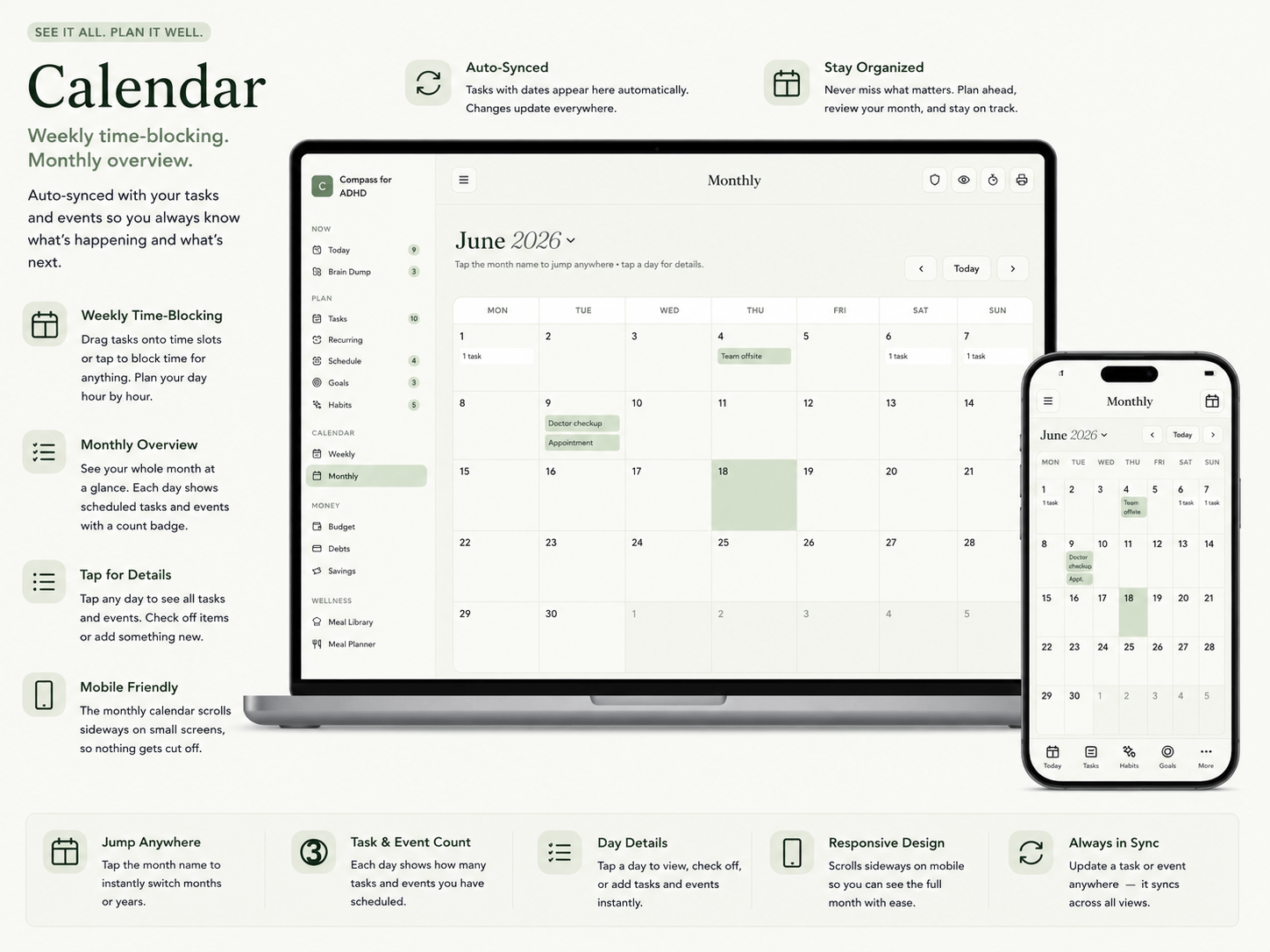
• Weekly — drag-and-drop time-blocking grid
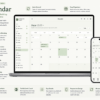
• Monthly — full calendar, jump to any month, day details
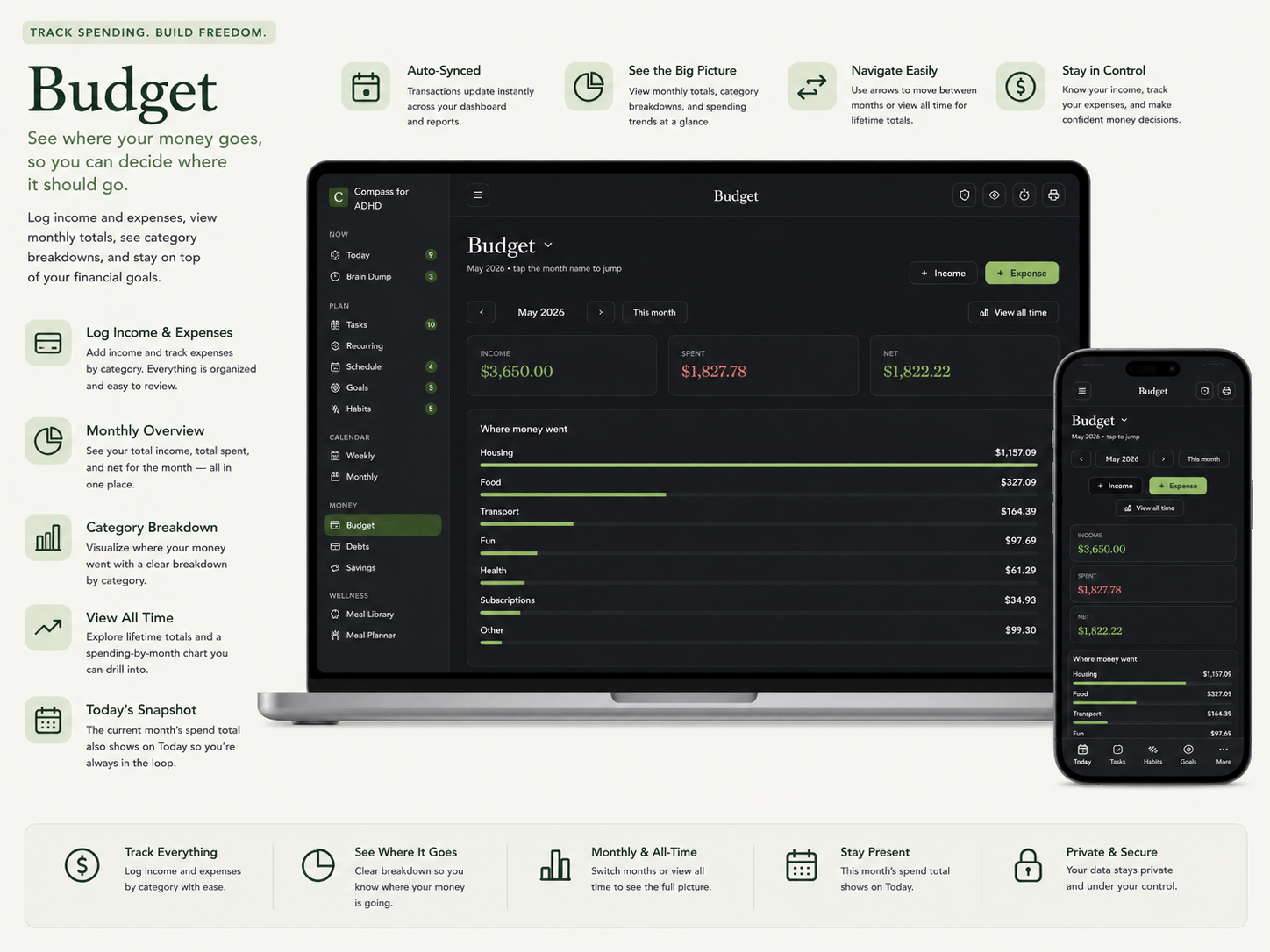
• Budget — income & expenses, by month or all-time, charts
• Debts — payoff tracker with APR, deadlines & payment history
• Savings — goals with deadlines & monthly targets
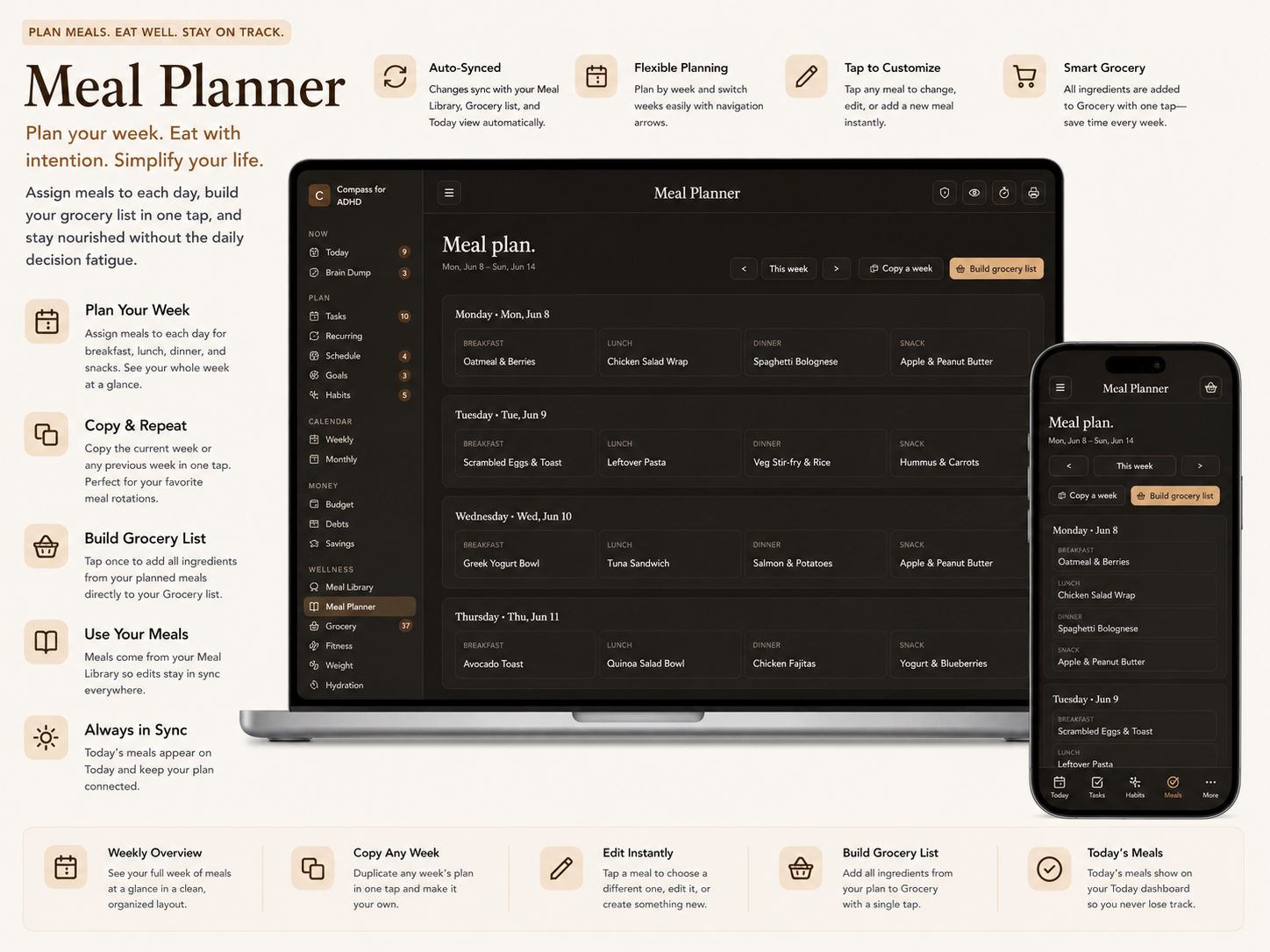
• Meal Library — save your go-to meals & ingredients
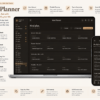
• Meal Planner — plan the week, copy weeks, edit on the fly
• Grocery — auto-built from meals + your own items
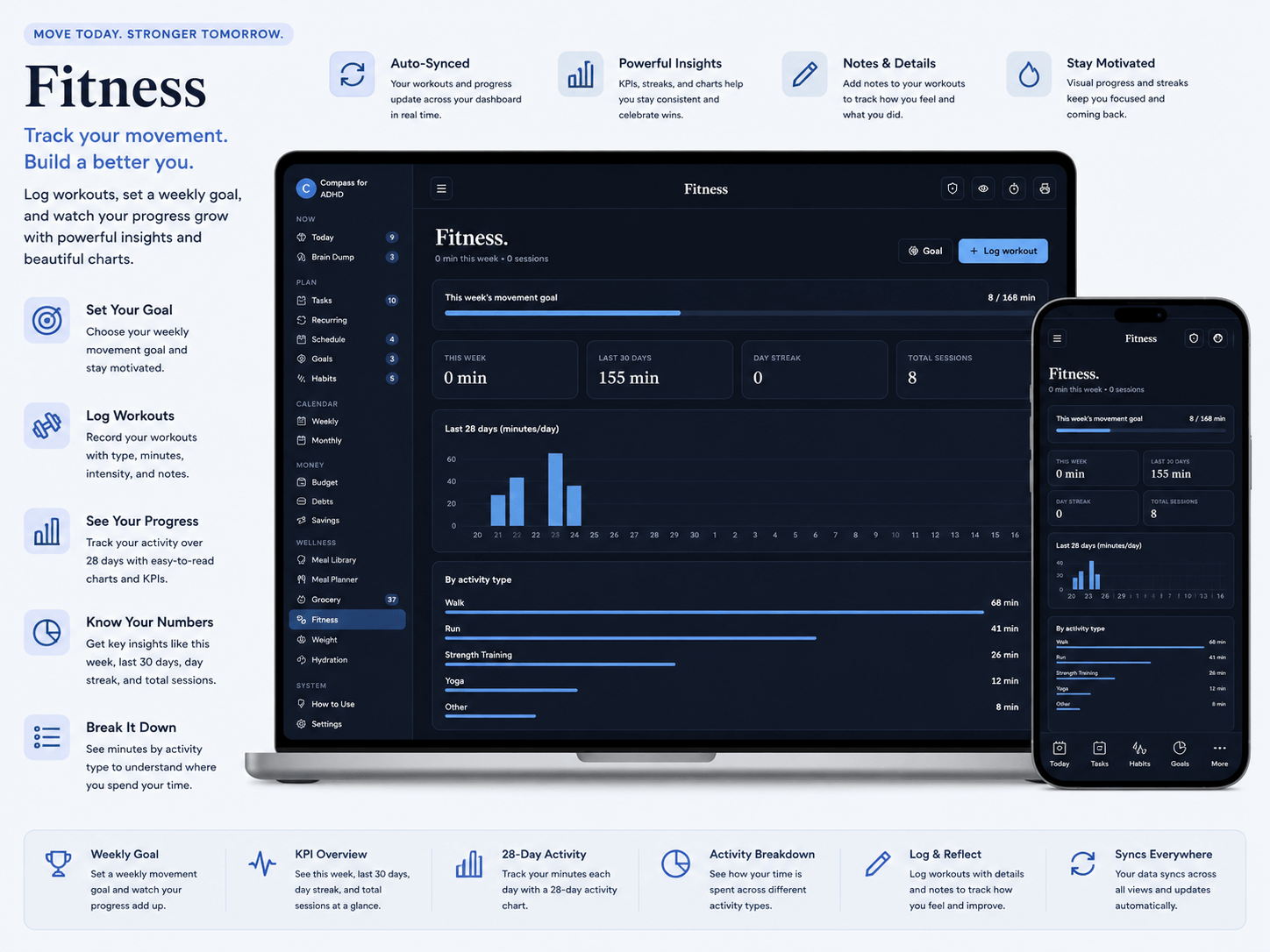
• Fitness — workouts, weekly goal, stats & 28-day chart
• Weight — trend tracking with lb/kg conversion
• Hydration — water log with multi-week history
• How to Use — a built-in guide to every feature
• Settings — themes, profile, backup & data tools
🖨️ SAVE ANY PAGE AS PDF — one tap prints or exports any section (meal plan, grocery list, tasks) to a clean PDF for your fridge, phone, or to share.
🎨 9 THEMES — light & dark: Low Stimulation, Warm Pastel, Sepia, Forest, Vibrant + High Contrast Dark, Dim Gray, Midnight, Cocoa.
🔒 100% PRIVATE & OFFLINE — your data never leaves your device. No login, no cloud, ever. Export/import backups any time.
💻 Works best on desktop/laptop. Includes a full PDF guide with phone/tablet setup + backups.
⚡ INSTANT DOWNLOAD — 1 HTML file + PDF guide. Open and go.
Note: This is an interactive web-app file (opens in your browser), not a printable PDF or GoodNotes/Canva template.
IMPORTANT NOTES
📱 Using it on your phone or tablet? This app saves your data automatically on a computer. On phones and tablets, browsers treat downloaded files as temporary, so for permanent saving you’ll do one quick free step: upload the single HTML file to a free host like TinyHost, Netlify Drop, or Vercel (takes ~2 minutes, no coding) to get your own private link. Open that link on your phone and your data saves forever — plus you can “Add to Home Screen” to use it like a real app, fully offline. Full step-by-step instructions are included in the PDF guide and inside the app itself.
💻 Just using a computer? No setup needed — open the file and everything saves automatically.
Either way, you can Export your data anytime as a backup to Google Drive or your device. Your financial data stays 100% private on your own device — nothing is ever uploaded to us.
🖥️ SYSTEM REQUIREMENTS
Any modern browser: Chrome, Safari, Firefox, Edge. Works on Windows, Mac, iPhone, iPad, Android. No installation. No account. No internet required after first load (for the HTML file version).
Reviews
There are no reviews yet.